A reservation is not fully ready just because the customer picked dates and entered a card number. For an independent rental business, digital vehicle rental agreements are the point where a booking becomes a documented transaction: the renter sees the terms, accepts the responsibilities, and provides a signed record before taking possession of the unit.
That matters whether you rent a single luxury vehicle, a growing fleet of trailers, or dozens of golf carts. When agreements are handled through scattered emails, printed forms, and last-minute texts, the handoff becomes harder to manage and harder to standardize. A digital process gives every reservation the same operational checkpoint without making customers chase paperwork.
What digital vehicle rental agreements should do
A digital agreement is more than a PDF sent for signature. It should be connected to the reservation details that drive the actual rental: the customer name, vehicle or equipment unit, rental dates, rate, add-ons, deposits, and applicable charges. That connection reduces the chance that staff send an outdated document or ask a renter to sign terms that do not match the booking.
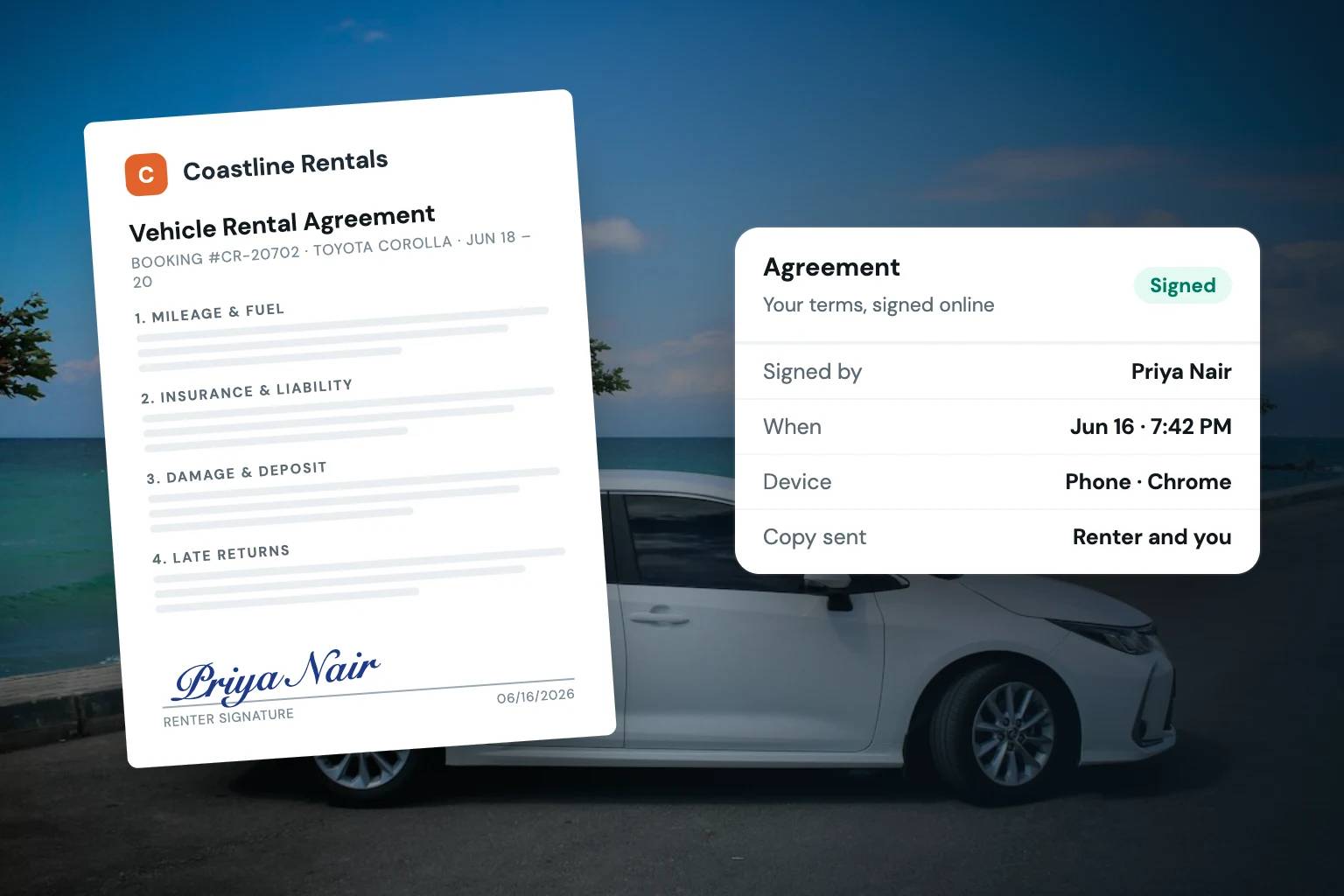
The best workflow also gives the customer a clear action to complete. They should be able to review the agreement, accept it electronically, and receive confirmation without calling your team for instructions. For operators, the signed agreement should remain attached to the reservation record so it is available at pickup, during the rental, and after return.
This is an operational system, not just a signature feature. A rental agreement supports a consistent process across booking, payment, verification, pickup, and return. If those steps live in separate tools, your team has to confirm completion manually. If they are tied to the same reservation, staff can see what is done and what still needs attention.
Why timing changes the quality of the agreement process
The most reliable time to present an agreement is before the keys, trailer, or equipment leave your control. Waiting until the counter handoff creates avoidable pressure. The renter may be in a hurry, your staff may be managing several pickups, and any disagreement over a term appears at the worst possible moment.
Presenting the agreement during checkout or as a required pre-pickup step gives the renter time to review it. It also gives your business time to identify an incomplete signature, an unanswered question, or a reservation that needs follow-up. The exact sequence depends on your operation. Some businesses require a signed agreement at online checkout; others collect it after approval but before pickup. What matters is setting one standard and applying it consistently.
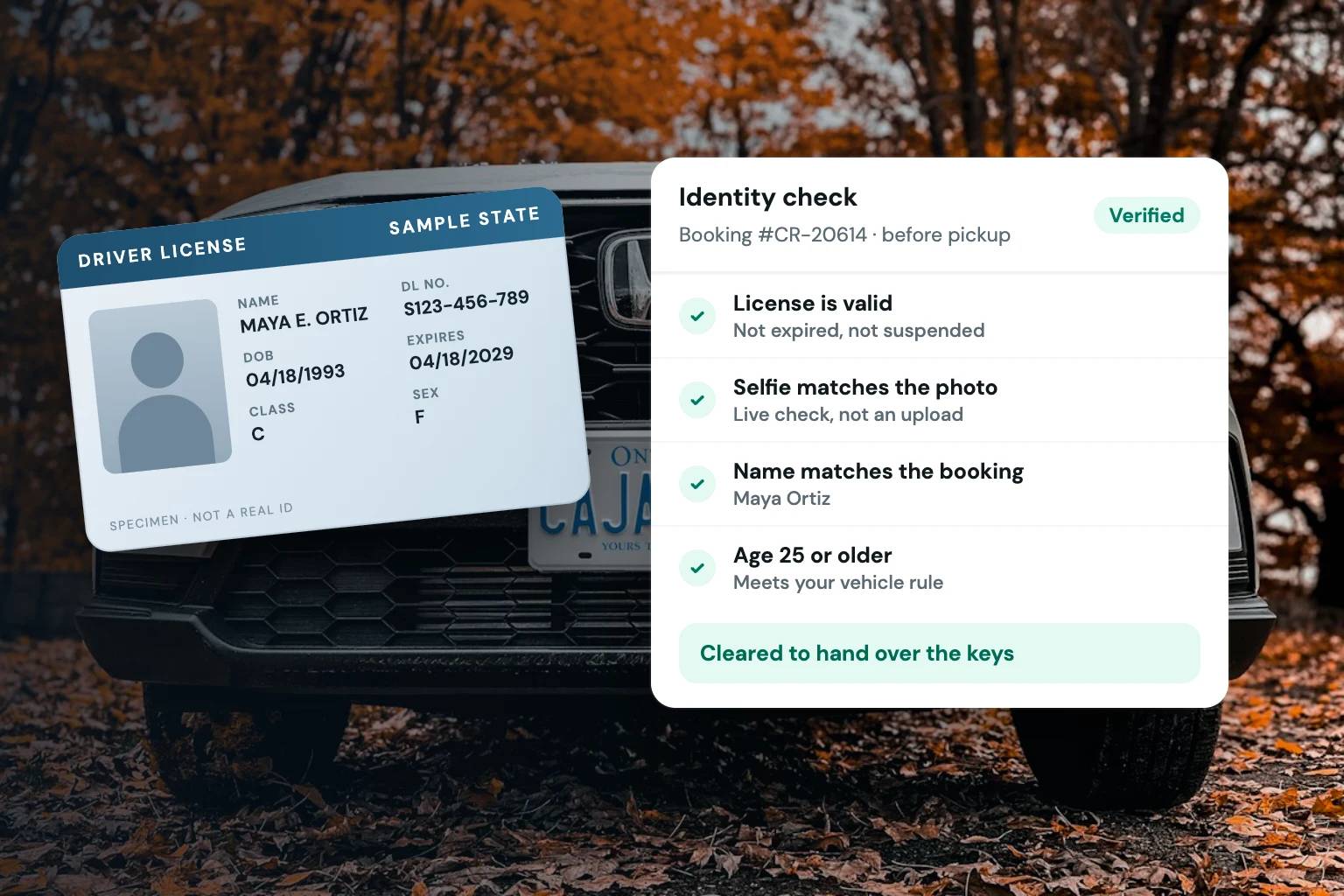
For higher-value or specialized rentals, you may have more conditions to satisfy before the handoff. An exotic vehicle operator may require identity verification and a card-hold deposit before the agreement is finalized. A watercraft or equipment business may need to confirm the authorized operator or pickup details. The agreement should fit into that sequence, not sit outside it as an afterthought.
Build agreements around the reservation record
Manual document creation creates small errors that become large operational headaches. A wrong pickup date, incorrect vehicle identification, or missing deposit amount can force your team to revise documents while the customer waits. It also makes it harder to trust what was agreed to later.
Instead, use reservation data to populate the agreement wherever possible. The booking should establish the basic facts, and the agreement should reflect those facts in a readable format. When a customer extends a rental, switches units, or adds an approved extra, your process should make it clear whether the agreement needs to be updated and signed again.
Your agreement workflow should account for four practical questions:
- Who is the renter and, where relevant, who is authorized to operate the unit?
- What specific unit, dates, pricing, and deposit requirements apply to this reservation?
- Which terms must be accepted before release?
- Where can staff retrieve the final signed record quickly?
These are simple questions, but answering them inside one system prevents the familiar hunt through inboxes and phone messages when a customer arrives.
Make signatures one checkpoint in a stronger checkout flow
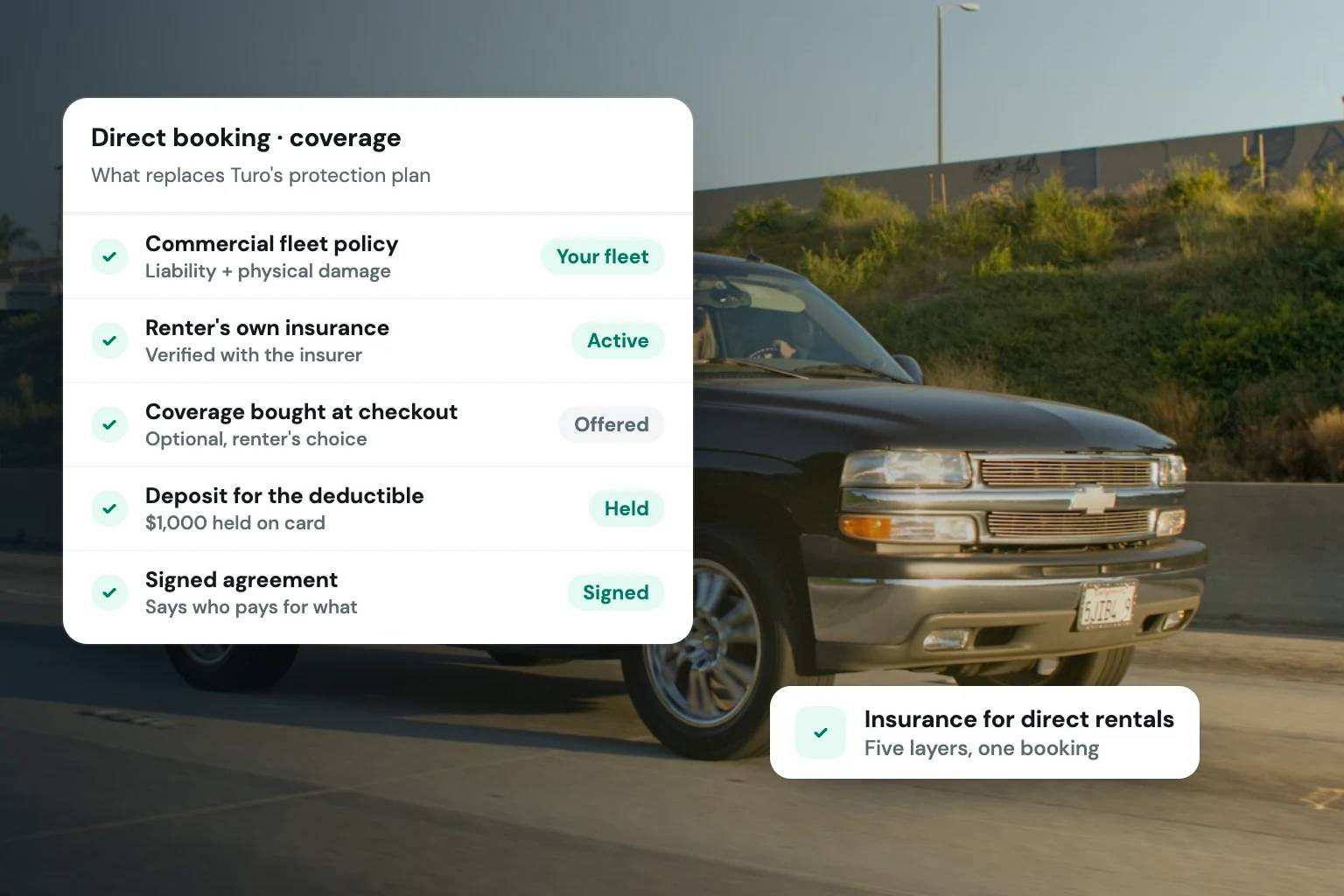
A signed agreement does not replace the other controls required for a well-run rental operation. It works alongside payment collection, deposits, identity checks, and availability controls. Treating each item as a separate task for the customer creates friction and gives staff more opportunities to miss a step.
A better approach is a guided booking flow. The customer selects an available unit, enters their details, pays according to your rules, completes verification requirements, and signs the agreement. Your team then works from a reservation status that shows whether the booking is ready for pickup.
This is especially useful when the person taking a reservation is not the person handling the handoff. A clear record means a team member does not need to ask, “Did they sign?” or “Was the deposit collected?” before releasing a vehicle. They can review the reservation and act on the documented status.
Fleetwire brings these steps together in a branded rental storefront, so operators can manage bookings, payment processing, card-hold deposits, ID verification, and e-signed agreements from the same reservation workflow. The benefit is practical: fewer tools to reconcile and fewer customer steps managed by hand.
Write for customers who need to understand the terms
An agreement may cover significant responsibilities, but it should not be difficult to read. Dense language, unclear headings, and buried charges make customers more likely to skim, ask questions at pickup, or claim they did not understand a condition. Clear organization protects the customer experience as much as it supports your process.
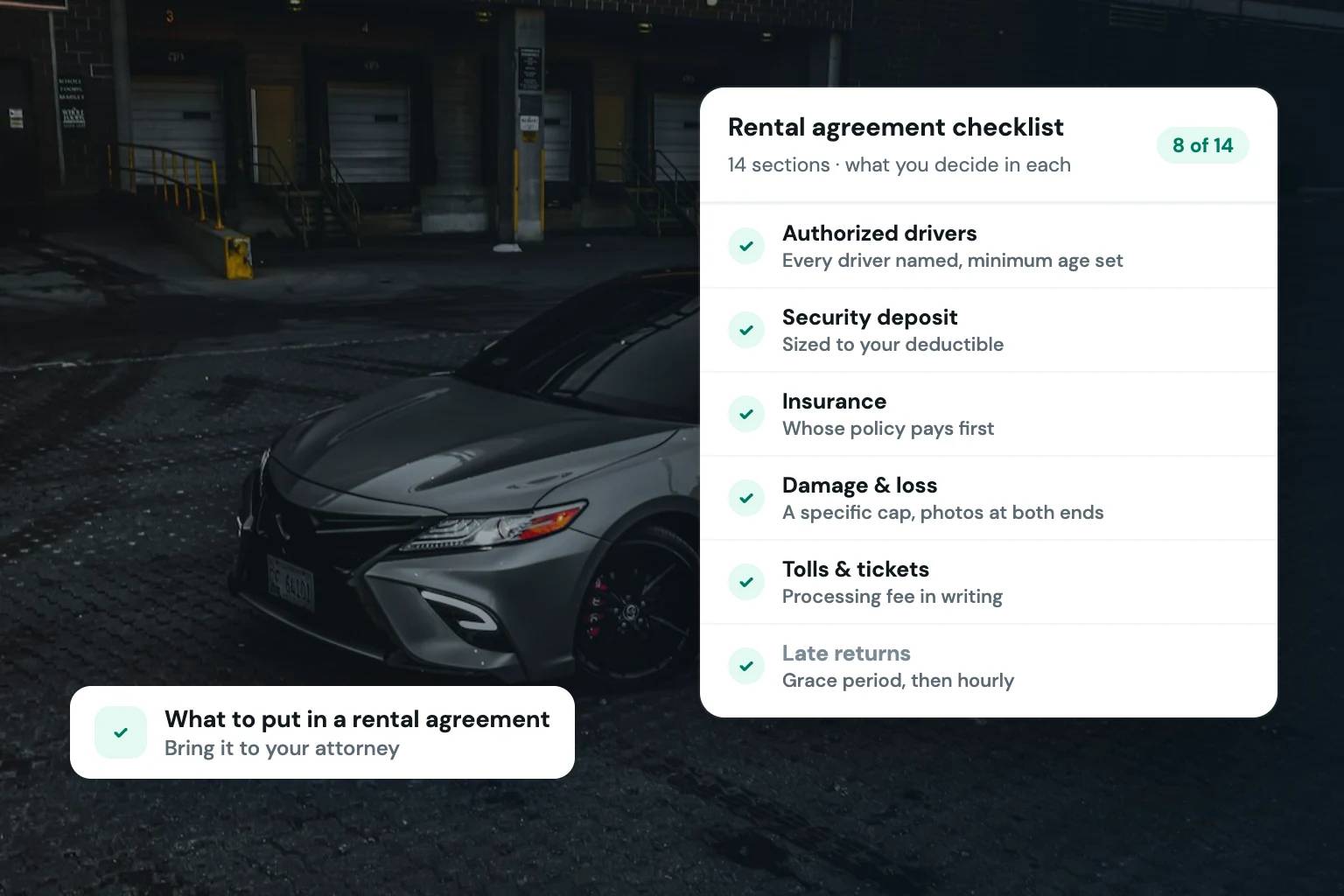
Use plain descriptions for operational terms such as pickup and return times, permitted use, mileage or usage limits, fuel or charging expectations, cleaning expectations, late fees, and deposit handling. Be specific about what is included in the booked rate and what may result in additional charges. For equipment and specialty rentals, use language that matches how customers use the unit rather than generic vehicle wording.
Your terms should reflect your actual operating policy. Do not add rules you cannot consistently enforce, and do not rely on vague language to cover gaps in the process. If you operate across states, rent specialized assets, or have questions about how your agreement should be structured, have qualified legal counsel review your documents. Rental requirements and enforceability can vary by location and circumstance.
Keep the signed record accessible after pickup
The agreement is most useful when it can be found in seconds. At pickup, staff may need to confirm that the renter completed the document. During a rental, a team member may need to check the scheduled return time or the booked unit. After return, the agreement may be relevant to questions about charges, deposits, or the rental timeline.
Store the completed agreement with the reservation rather than treating it as a separate file-management project. Make sure the record identifies the signing status and retains the final version associated with that booking. If your team uses mobile devices during handoffs, confirm that they can retrieve the reservation record without returning to a desk.
It is also worth deciding who on your team can access agreements and who can change reservation details. Small fleets often need flexibility, but unrestricted edits can create confusion. Clear permissions and a consistent process help preserve an accurate record without slowing down the people who handle customers.
Use automation without making the experience impersonal
Customers generally do not want more emails. They want a clear next step. Automated reminders can help when they are tied to a real requirement, such as a missing signature before pickup. A short message that explains what to complete and when to complete it is more useful than a generic confirmation sequence.
The same principle applies to your internal process. Set alerts for reservations that are approaching pickup without required documents or verification complete. This gives staff time to resolve an issue before the customer is standing in front of the unit. For remote handoffs or after-hours pickups, that advance visibility is even more valuable.
A professional rental operation does not need to make customers feel processed. It needs to make expectations clear, collect the right information at the right time, and keep the transaction organized. When digital vehicle rental agreements are built into that workflow, the signature becomes a useful business record instead of one more piece of paperwork to chase.
Start by mapping your current handoff from reservation to return. The gaps are usually obvious: a document sent too late, a signature stored in the wrong place, or a team member relying on memory. Fixing those points can make every direct booking feel more prepared and more credible.