Payment methods you choose
Cards, plus Apple Pay, Google Pay and the other methods you turn on in your Stripe dashboard.
Connect your own Stripe account once. Renters pay at checkout, deposits can sit on the card as a hold, and Stripe pays out straight to your bank. Fleetwire takes no cut of your payments.
Included on every plan · Connect in minutes · Card data stays with Stripe
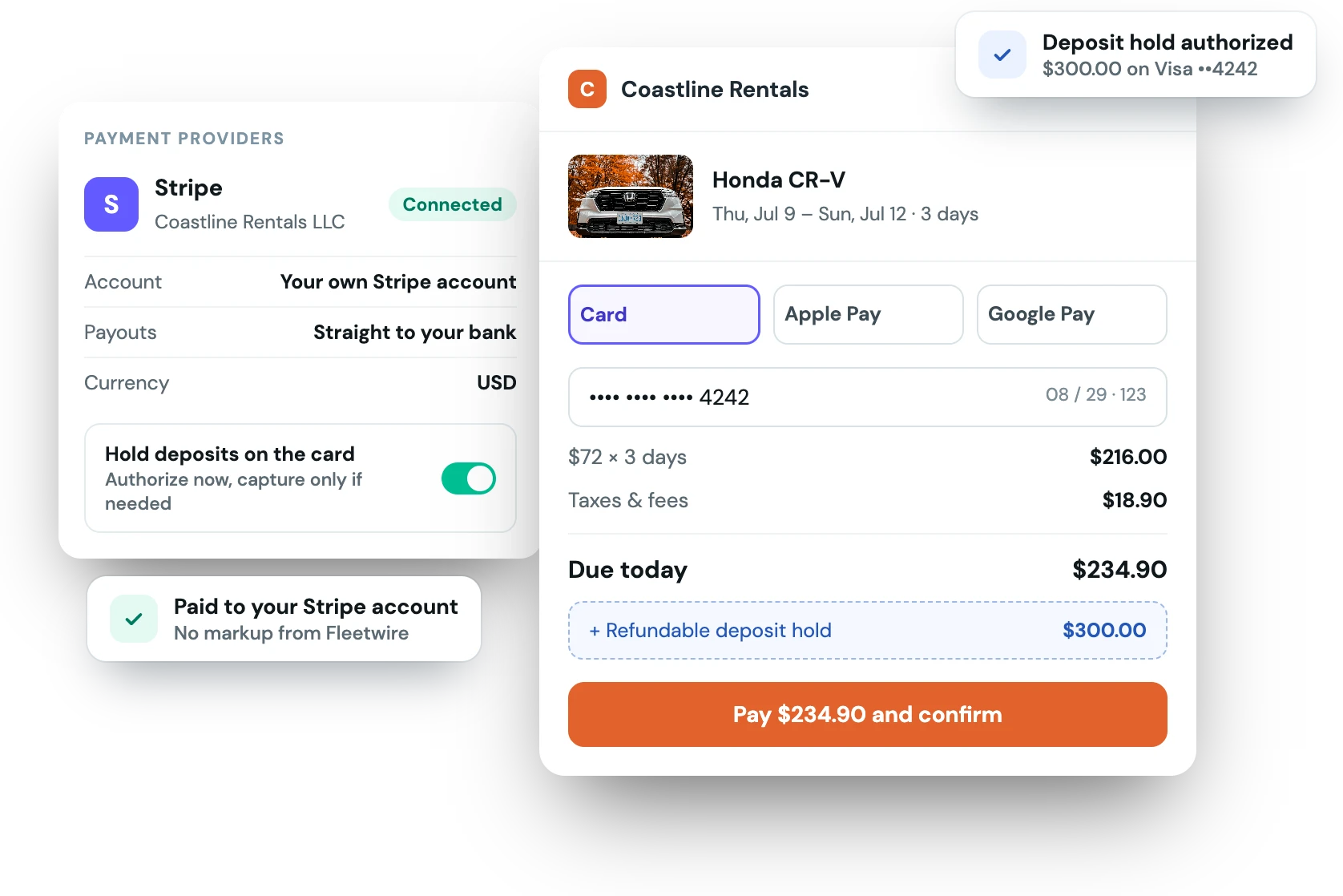
The rental payment and the security deposit run on the same Stripe account and the same card, in one checkout. Hold the deposit as an authorization, then capture what the trip actually cost and release the rest.
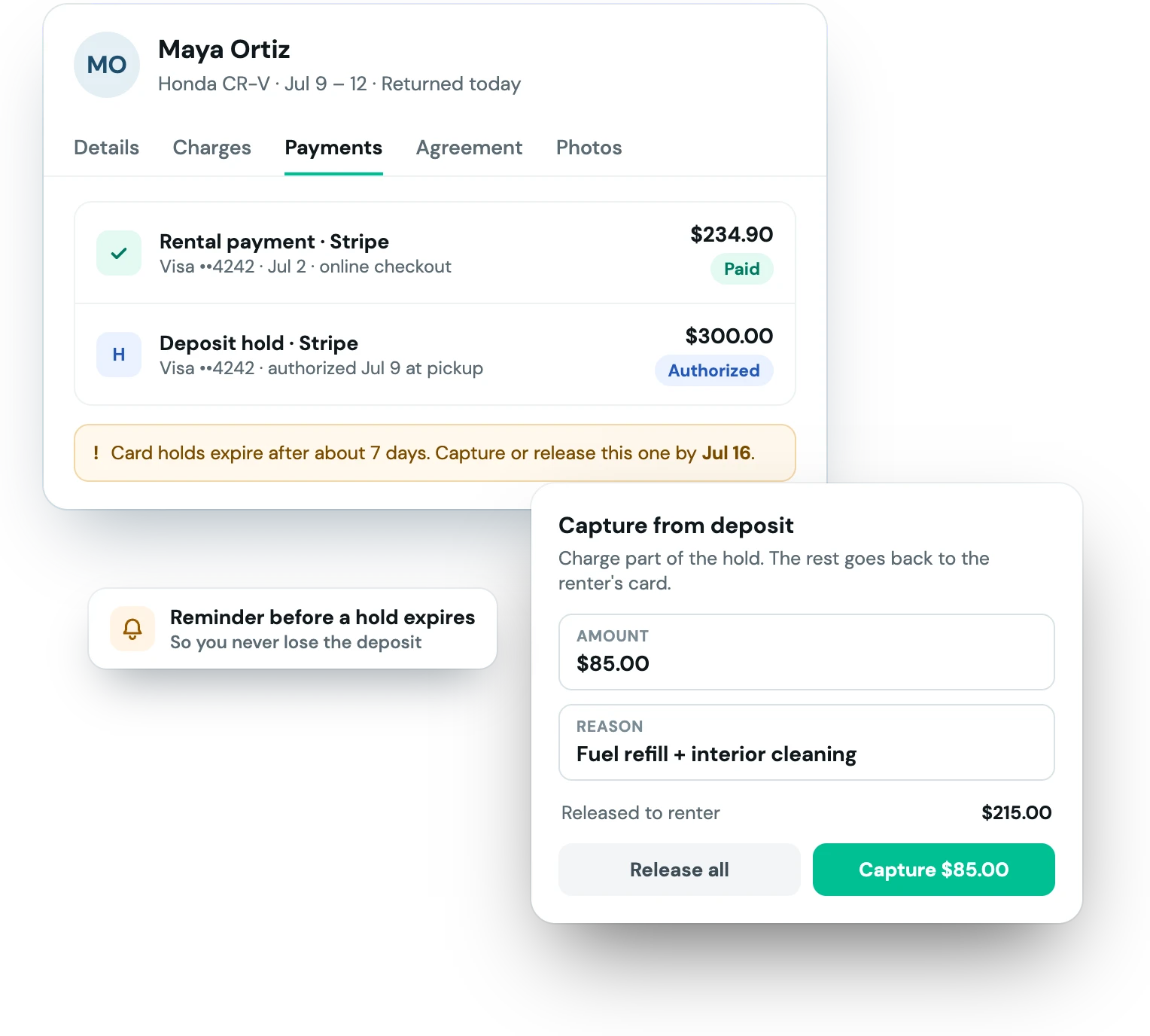
Fleetwire uses Stripe Connect, so the Stripe account, the data and the payouts stay yours.
Sign in to Stripe from Payment Providers, or create an account in the same flow. Fleetwire never sees your login.
Charge the full amount, a down payment or only the deposit at checkout, and decide whether deposits are held or charged.
Every booking collects payment through your Stripe account, with the deposit handled the way you set it.
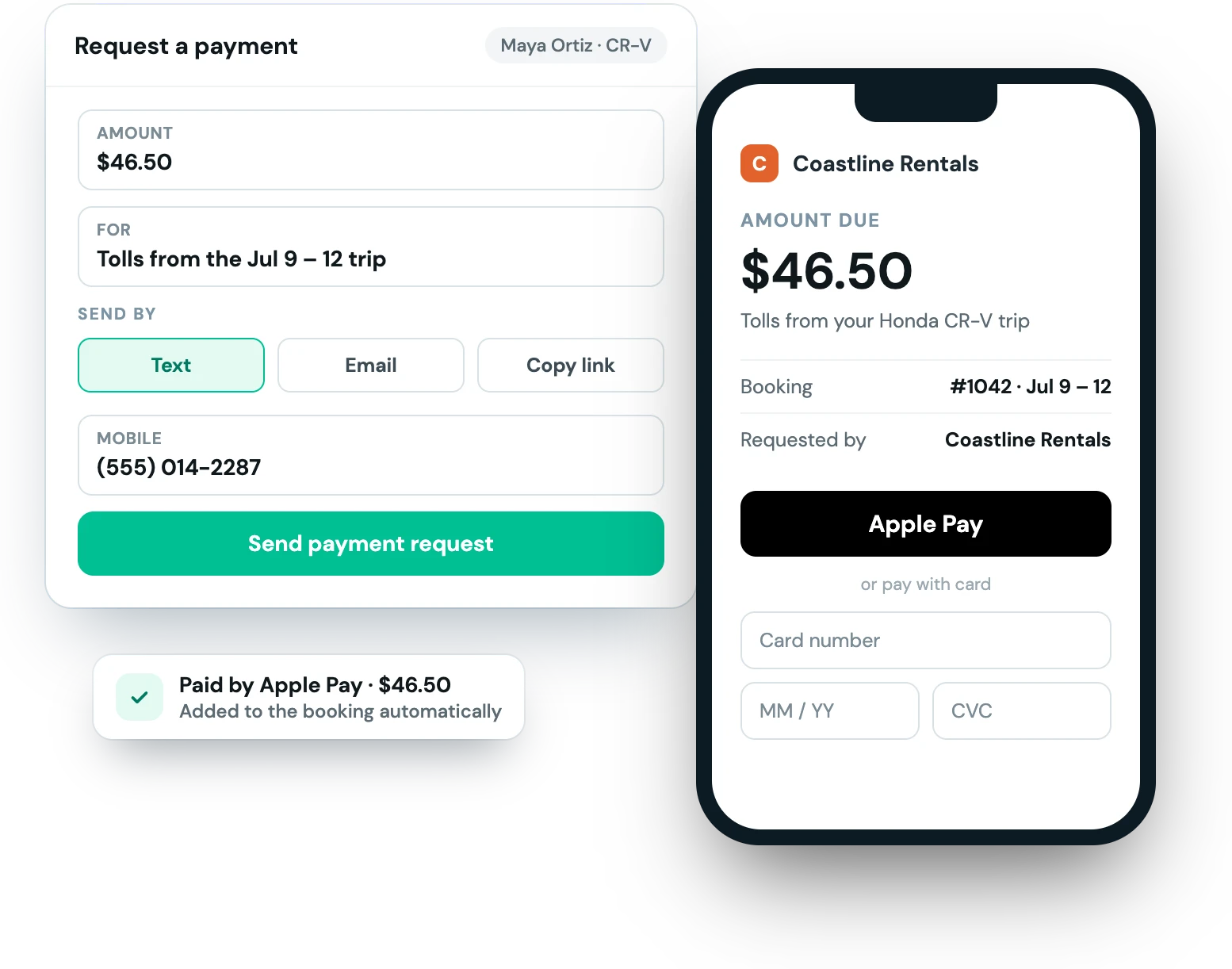
Send a payment request by text or email, or copy the link. The renter pays on a page with your branding, with Apple Pay or Google Pay when you've turned them on, and the payment lands on the booking by itself.
You can also send a link for the remaining balance, or charge the card the renter saved at checkout.
From the first checkout to the last refund, the money trail lives on the booking.
Cards, plus Apple Pay, Google Pay and the other methods you turn on in your Stripe dashboard.
Refund from the booking, back to the original card. An uncaptured hold is simply released.
Renters agree at checkout to future charges, so you can bill the card on file for extras later.
Stripe payments carry the booking ID and trip dates, so your Stripe dashboard matches your bookings.
Chargebacks reported by Stripe are recorded in Fleetwire, alongside the agreement and the trip.
Require 3D Secure at checkout and block a card that caused trouble from booking again.
Yours. Fleetwire connects to your own Stripe account through Stripe Connect. Stripe pays out to your bank on your schedule, you keep full access to your Stripe dashboard, and card numbers never touch Fleetwire's servers.
Stripe's standard processing fees apply. Fleetwire adds no fee or markup on top of your payments.
Cards always work. Apple Pay, Google Pay and other methods show at checkout when you turn them on in your Stripe dashboard.
Yes. Turn on deposit holds and the deposit is authorized on the renter's card instead of charged. Capture some or all of it, or release it. Card holds expire after about 7 days, so Fleetwire reminds you before one runs out. More on security deposits.
Yes. Checkout can charge the full amount, a down payment, or only the security deposit, with the rest collected later by pay link or at pickup.
Yes. Fleetwire also connects to Square. Pick the processor that fits your business in Payment Providers.
Payments and deposit holds are included on every Fleetwire plan. Connect your Stripe account and start collecting today.