Take rental payments with Square
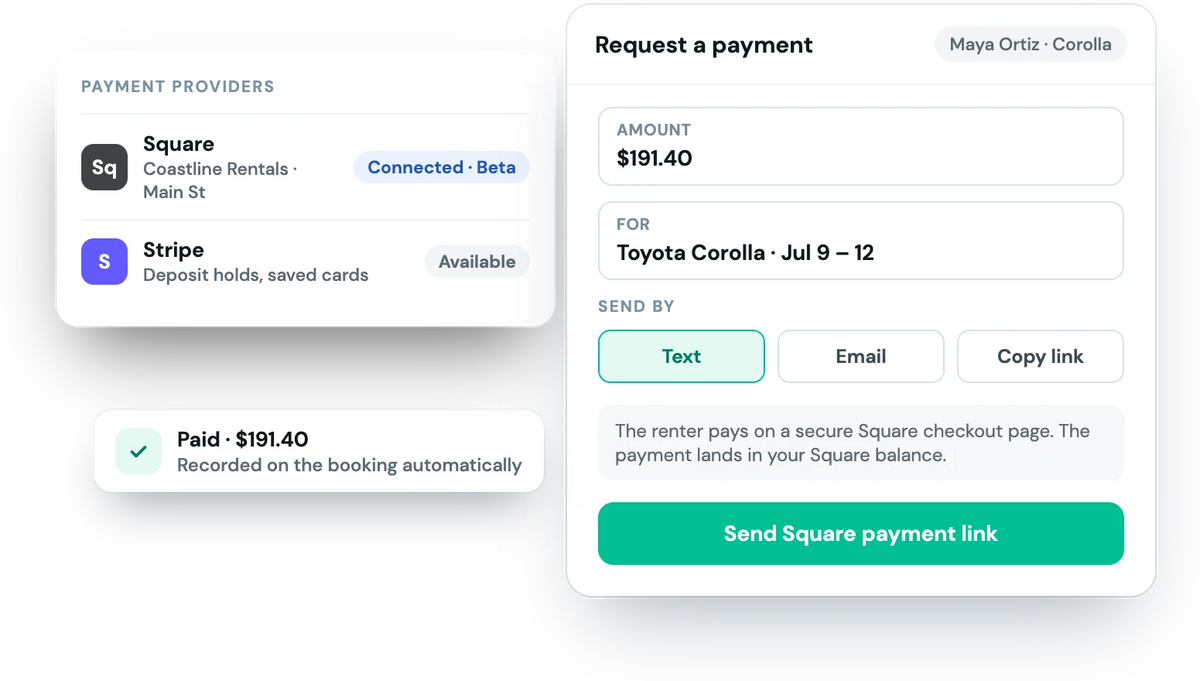
Already run your business on Square? Connect it to Fleetwire and renters pay for their booking on a secure Square checkout page, with the money landing in the same Square balance as the rest of your sales.
Connect your own Square account · No markup from Fleetwire · Beta
Keep your rental money where the rest of your business already is
If your shop, counter or front desk already runs on Square, adding a second processor just for rentals means a second balance to reconcile. With Square connected, online bookings and payment requests settle to the account you already use.
- Square checkout for every booking. Renters pay on a secure Square page at checkout or from a link you send.
- Payment requests by text or email. Send a Square payment link for the balance, an extra or a damage charge.
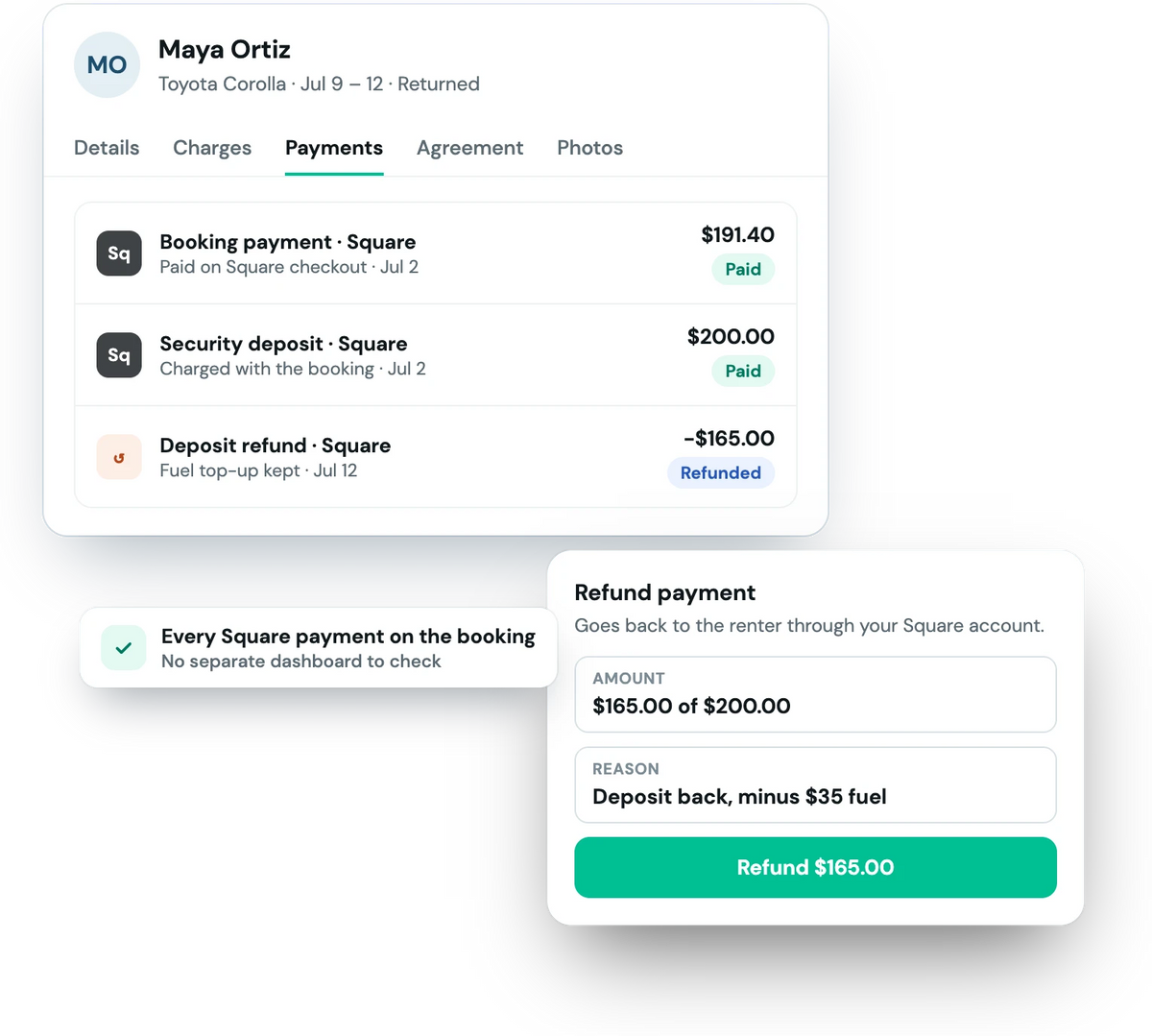
- Refunds from the booking. Full or partial, back through your Square account.
Connect once, take bookings
Connect Square
Sign in to Square from Settings → Payment Providers and pick the location payments should go to.
Choose what renters pay
Charge the full amount, a down payment or only the deposit at checkout.
Get paid
Renters pay on Square's checkout, and each payment is recorded on its booking.
What each processor does in Fleetwire today
Square is in beta. If you need deposit holds or saved cards, Stripe is the better fit.
| Square (beta) | Stripe | |
|---|---|---|
| Online checkout | Square-hosted checkout page | Built into Fleetwire's checkout |
| Payment requests by text or email | Yes | Yes |
| Full and partial refunds | Yes | Yes |
| Security deposit as a card hold | No (deposit is charged, then refunded) | Yes |
| Charge a saved card later | No | Yes |
| Fleetwire fee on payments | None | None |
Square questions
Do I use my own Square account?
Yes. You connect your existing Square account from Settings → Payment Providers in Fleetwire. Payments land in your Square balance and pay out on Square's schedule, and Fleetwire never sees your Square login or card numbers.
How do renters pay with Square?
At checkout, or from a payment request you send by text or email, the renter is taken to a secure Square checkout page for that booking. When they pay, the payment is recorded on the booking in Fleetwire automatically.
Can I hold a security deposit on Square?
Not as a card hold. With Square, a security deposit is charged with the booking and refunded afterwards. To authorize a deposit and only capture what a trip actually costs, connect Stripe.
Can I refund a Square payment from Fleetwire?
Yes. Full and partial refunds can be issued from the booking, and they go back through your Square account.
What does it cost?
Square's standard processing fees apply. Fleetwire adds no fee or markup on top of your payments.
Is the Square integration in beta?
Yes. Square payments in Fleetwire are in beta: payment links and refunds work today, and card holds, saved cards and charging a card from the dashboard are Stripe features for now.
Bring your Square account online
Connect Square and take rental bookings on your own branded storefront. Free for 14 days.