Track ad-driven bookings with the Meta Pixel
Install the Meta Pixel from the Fleetwire App Store to see which Facebook and Instagram ads turn into real bookings, and build retargeting audiences from the renters who browsed your storefront.
Free in the App Store · Add your Pixel ID · Your own Meta account
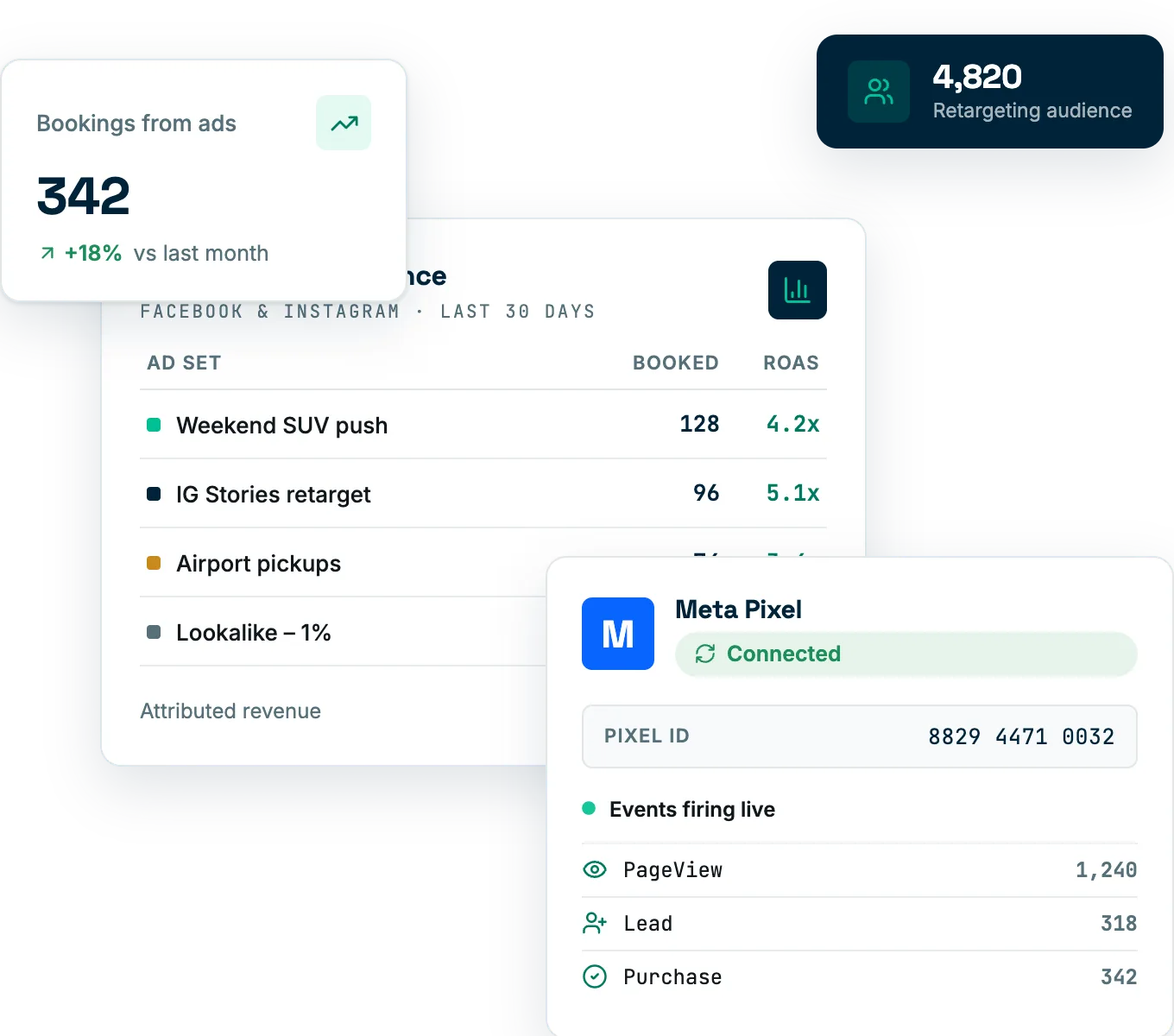
Know which ads actually book trips
Running ads without the Pixel means guessing. Connect it and your storefront reports back to Meta — so you can measure the bookings your campaigns drive, optimize toward the ones that convert, and stop spending on clicks that don't.
- Conversion tracking. See which ads lead to real reservations, not just visits.
- Retargeting audiences. Reach renters who browsed but didn't book.
- Better ad delivery. Give Meta the signal it needs to optimize toward bookings.
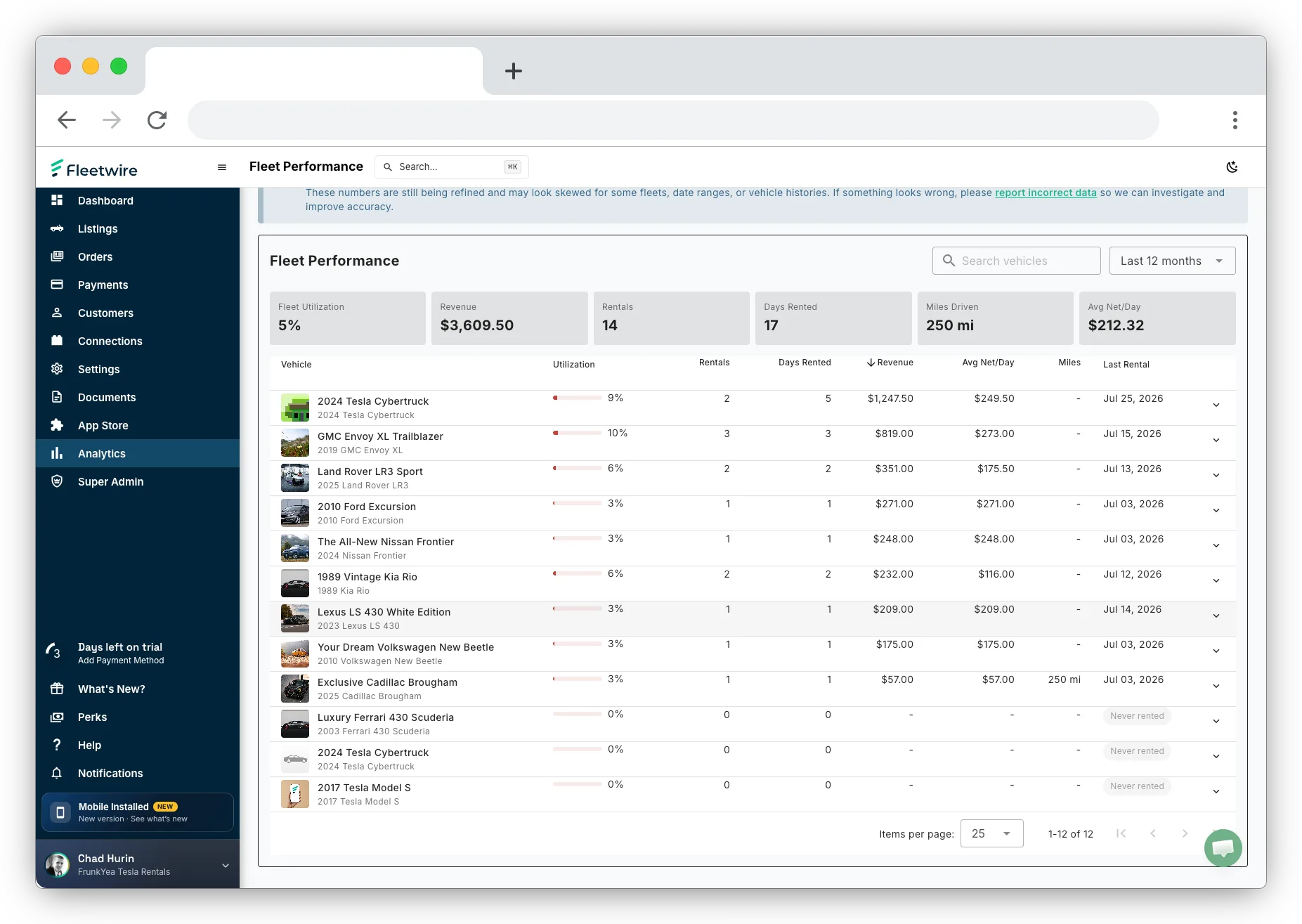
Install and connect in three steps
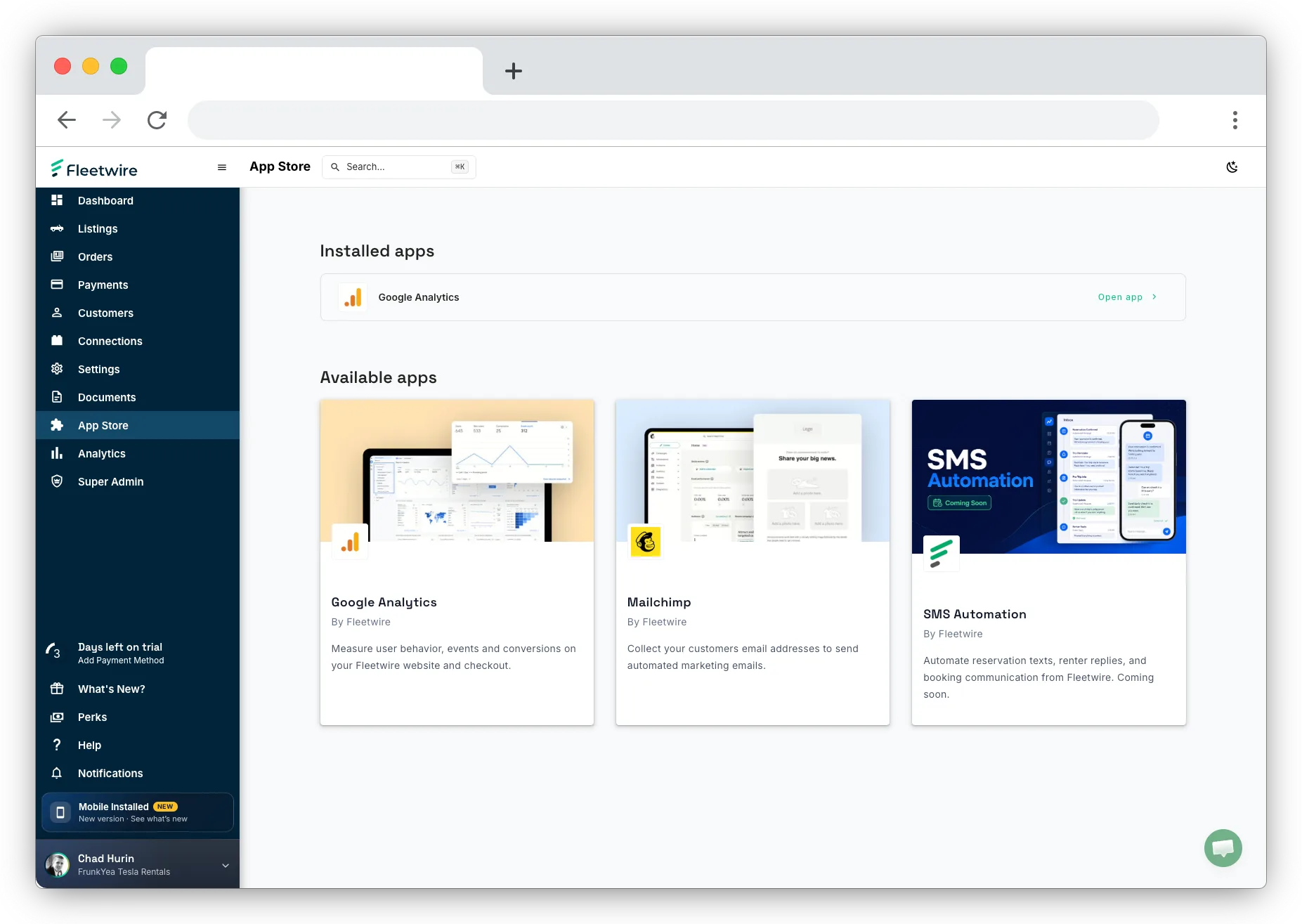
Open App Store in your Fleetwire dashboard to get started.
Install the app
Add the Meta Pixel from the Fleetwire App Store.
Add your Pixel ID
Paste your Meta Pixel ID into the app settings.
Launch smarter ads
Fleetwire fires storefront and booking events to your Pixel.
See the whole funnel
The Meta Pixel measures paid performance; Google Analytics covers organic traffic and on-site behavior. Run both and you can trace a renter from first ad impression all the way to a signed agreement.
Meta Pixel questions
Where do I find it?
In the App Store inside your Fleetwire dashboard. Install the Meta Pixel app, then add your Pixel ID in the settings.
Does it work for Instagram too?
Yes. The Meta Pixel powers measurement and audiences across both Facebook and Instagram ads.
Do I need to edit code?
No. Once you enter your Pixel ID, Fleetwire handles firing the events from your storefront and checkout.
Turn ad spend into booked trips
Install the Meta Pixel from the App Store and measure the bookings your campaigns drive — free for 14 days.