Measure your storefront with Google Analytics
Install Google Analytics from the Fleetwire App Store and see how renters find you, what they browse, and where bookings come from — tracked to your own GA4 property, no code to paste.
Free in the App Store · Add your Measurement ID · Your own GA4 property
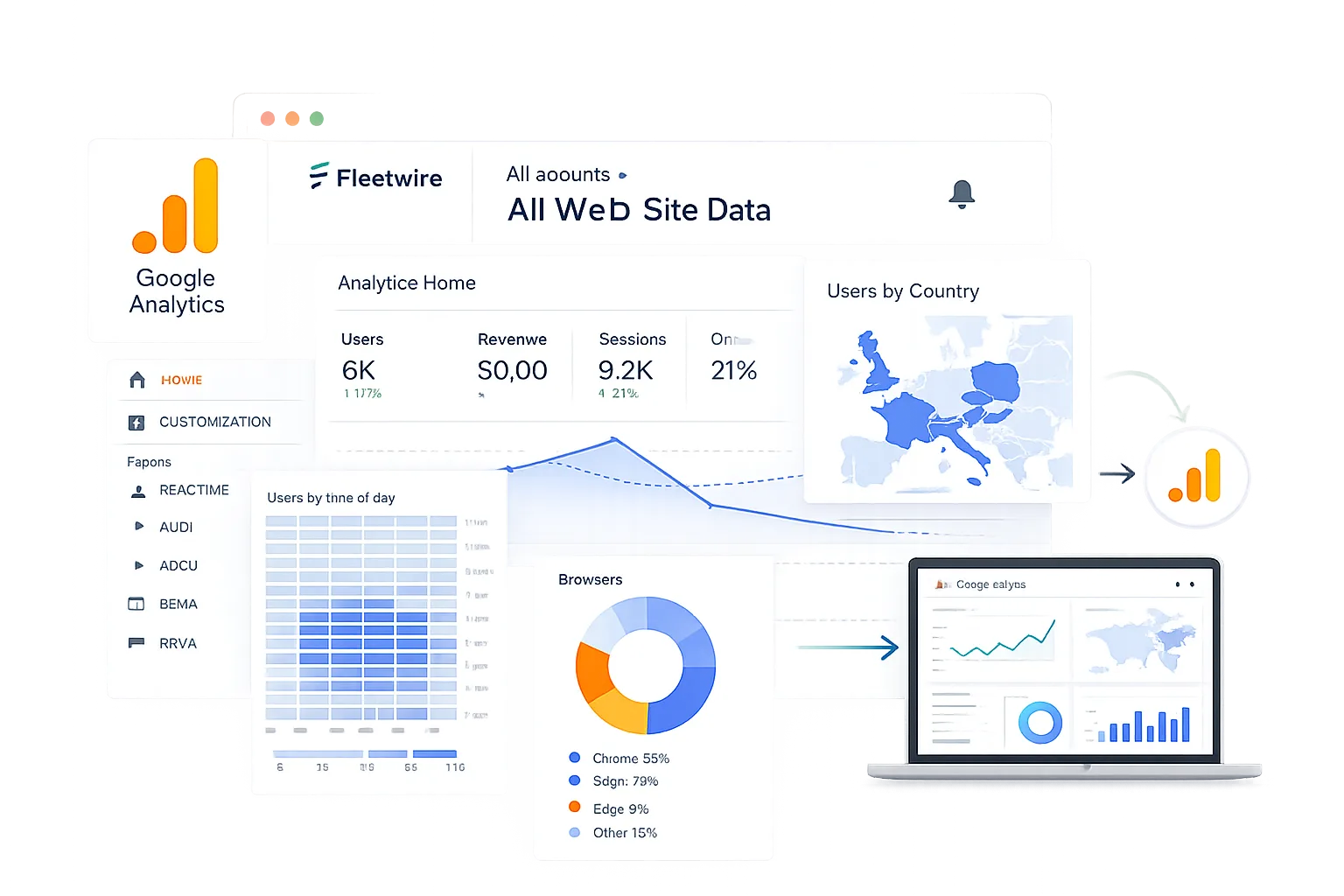
See what turns visitors into bookings
Your storefront and checkout are where the money happens. With Google Analytics connected, that traffic flows into your own GA4 property so you can measure demand, spot which vehicles get viewed, and see which channels actually convert.
- Traffic & behavior. Sessions, sources, and pages across your storefront.
- Conversion events. See where renters drop off and where they book.
- Your property. Data lands in your own GA4 account, alongside the rest of your marketing.
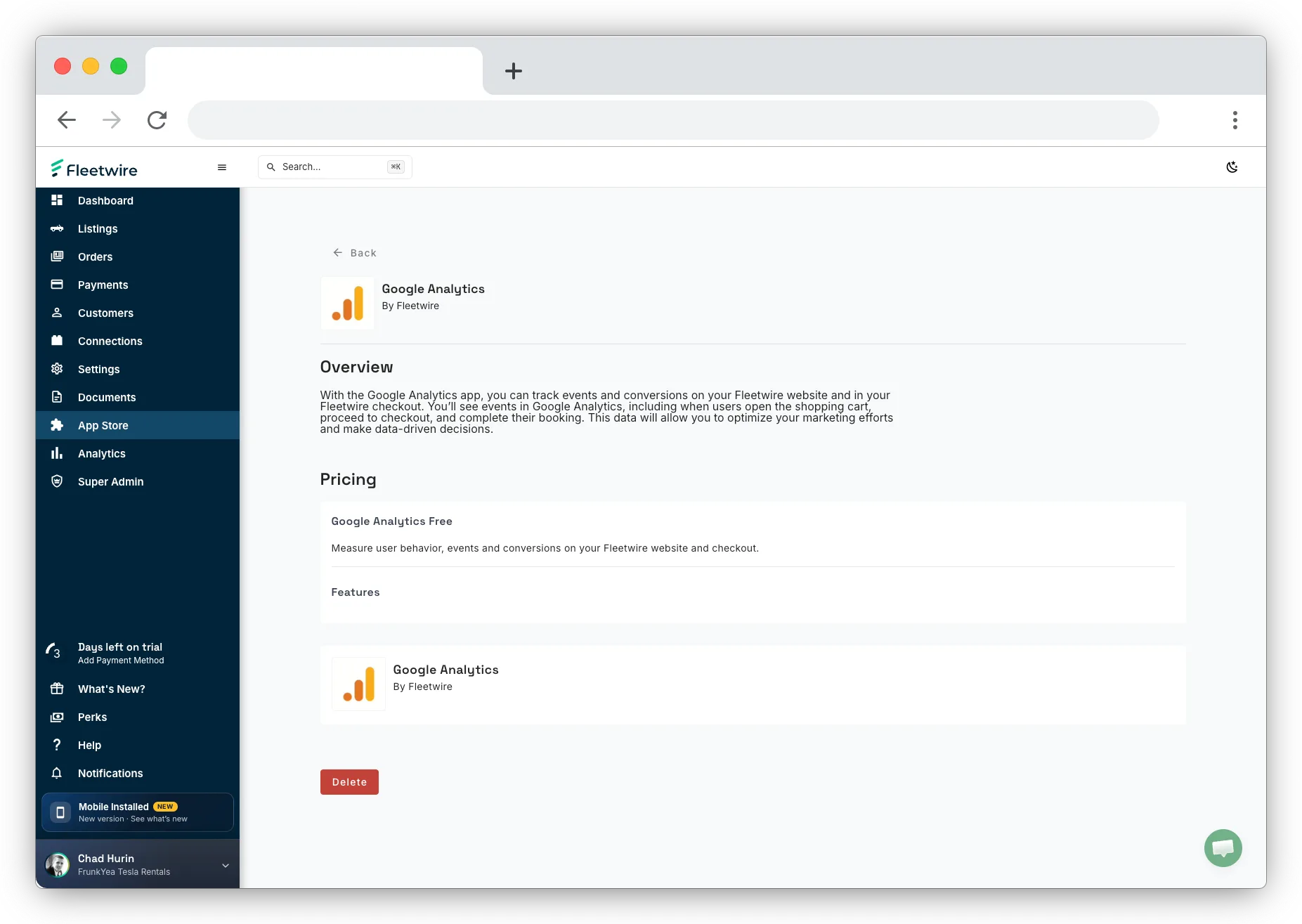
Install and connect in three steps
Open App Store in your Fleetwire dashboard to get started.
Install the app
Add Google Analytics from the Fleetwire App Store.
Add your Measurement ID
Paste your GA4 Measurement ID (G-XXXXXXX) into the app settings.
Start measuring
Fleetwire sends storefront and checkout activity to your property.
Close the loop on your marketing spend
Google Analytics tells you what's working organically. Add the Meta Pixel to measure ad-driven bookings and build retargeting audiences, and you can see your whole funnel — from first click to signed agreement.
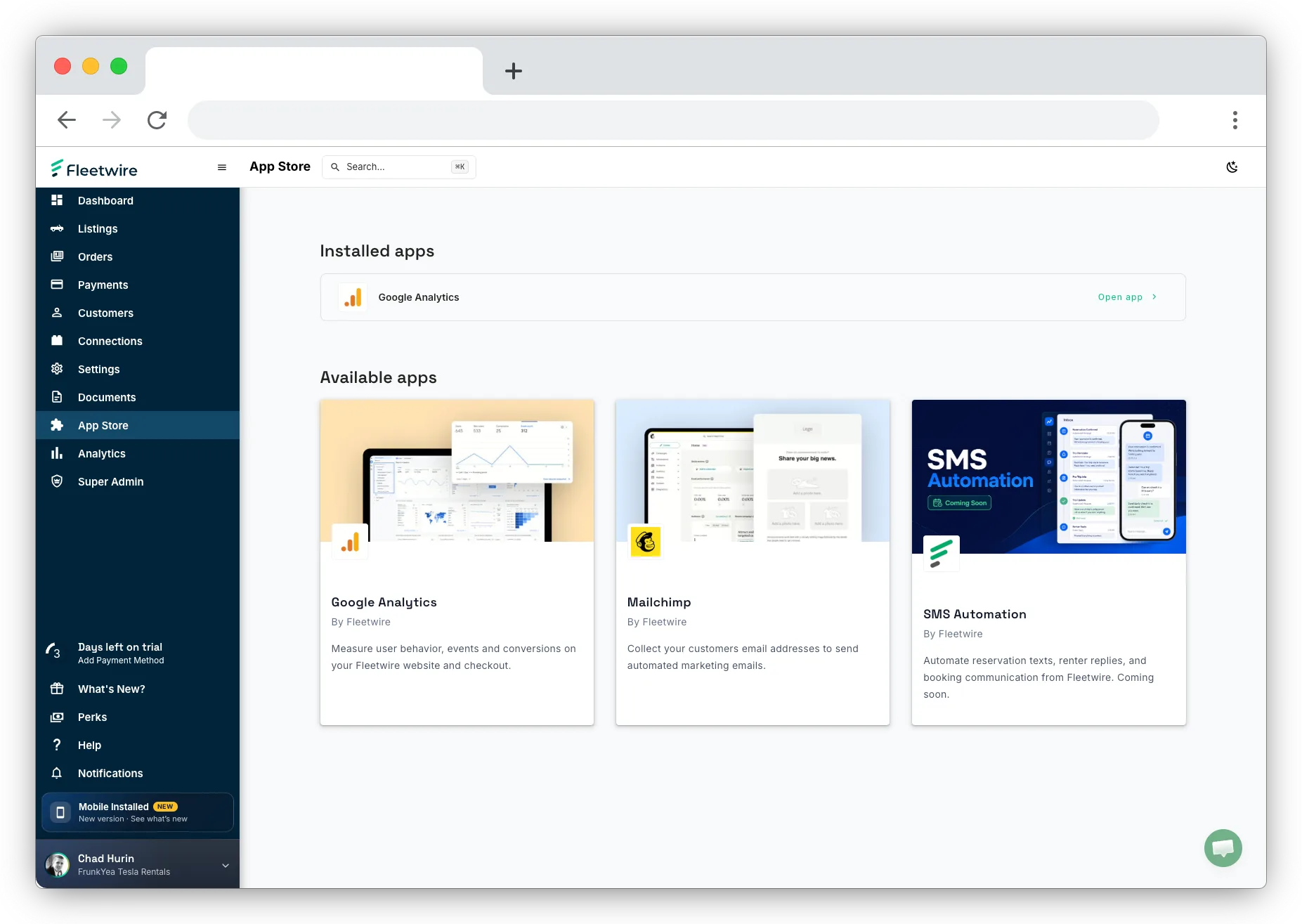
Google Analytics questions
Where do I find it?
In the App Store inside your Fleetwire dashboard. Install Google Analytics, then add your GA4 Measurement ID in the app settings.
Do I need to touch any code?
No. Fleetwire handles the tracking once you enter your Measurement ID — no tags to paste into your storefront.
Is the data in my account?
Yes. Everything reports into your own GA4 property, so it sits next to the rest of your marketing analytics.
Track every booking back to its source
Install Google Analytics from the App Store and measure what drives your rentals — free for 14 days.