A traveler lands on your site on a Friday night, finds the right RV, and is ready to reserve it for next month. If your RV rental booking website sends them into a text-message exchange, a payment request, and a separate paperwork process, that reservation is not really ready to close. It is still work for both sides.
A professional RV rental storefront should do more than display attractive photos and a nightly rate. It should let qualified customers see what is available, understand the full price, complete the required steps, and receive a confirmed reservation without your team rebuilding the transaction manually.
What an RV Rental Booking Website Needs
The right booking website is an operating tool for your rental business, not just a marketing page. It connects the customer-facing experience to the details that determine whether a reservation is profitable and manageable: the specific unit, dates, mileage terms, add-ons, taxes, payment status, deposit, agreement, and pickup requirements.
For a single travel trailer or camper van, a basic inquiry form may feel workable. As the fleet grows, it creates avoidable friction. Customers wait for answers that should be available online. Your team checks dates repeatedly, calculates totals by hand, and chases documents after taking a booking. A better workflow moves those requirements into checkout, where they are consistent for every reservation.
Availability must reflect the real fleet
RV availability is more complicated than marking a calendar open or closed. Each unit has its own maintenance schedule, turnaround time, minimum rental duration, delivery options, and seasonal demand. A Class A motorhome may need a different buffer between bookings than a compact camper van. A trailer that can be delivered may have different availability rules than one picked up at your lot.
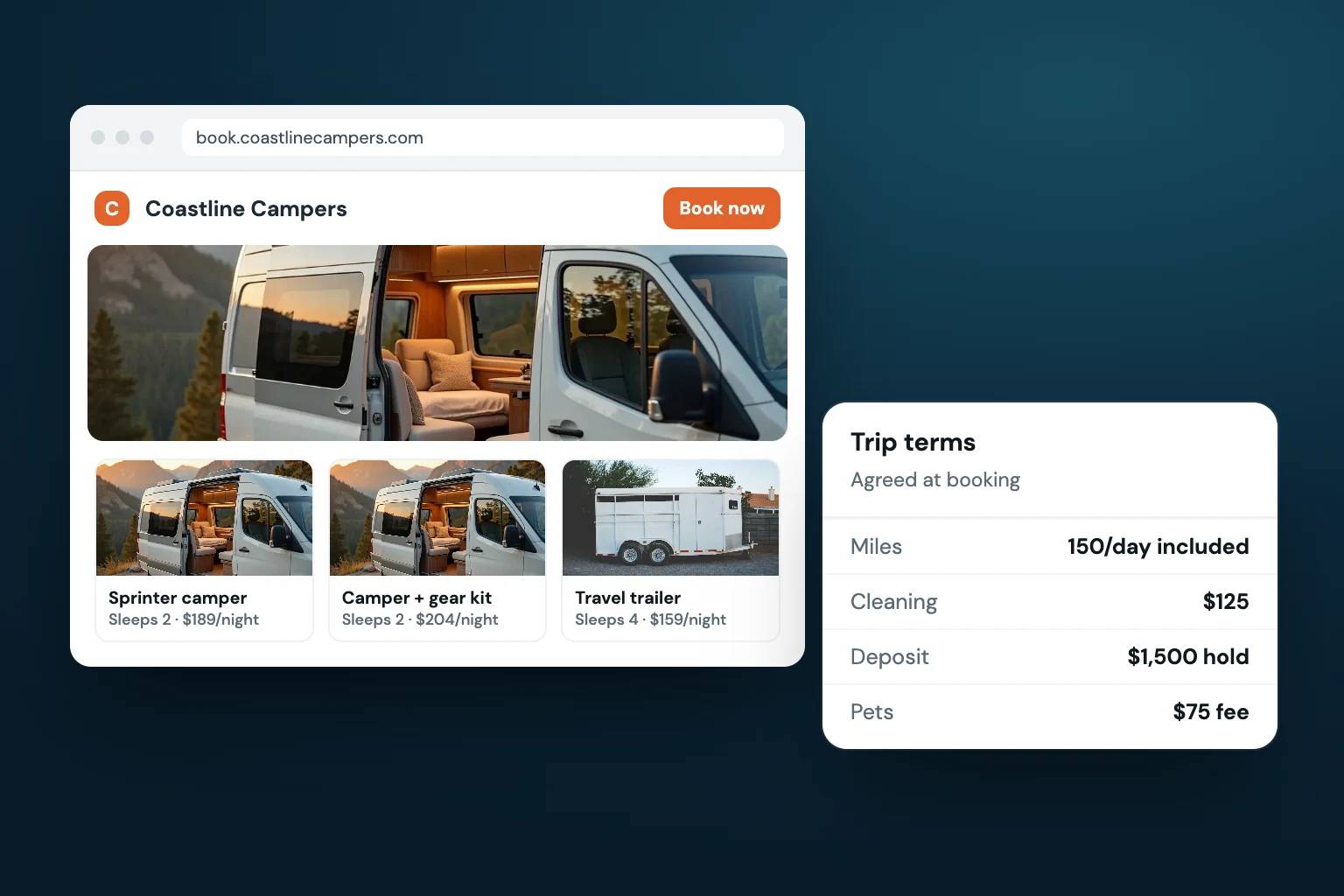
Your booking system should make the actual reservable inventory clear. Customers should be able to search by dates, see only units that can be booked, and understand the major differences between available RVs before they reach checkout. That means each listing needs useful details: sleeping capacity, pet policy, mileage allowance, generator use where applicable, towing requirements, included equipment, and pickup or delivery terms.
Calendar controls matter just as much behind the scenes. Blocked dates should stay blocked. Maintenance and owner-use periods should not appear bookable. If you also operate on other channels, calendar synchronization can help prevent overlapping reservations. The goal is simple: the dates a customer sees should be dates you can confidently honor.
Checkout should create a reservation, not another task
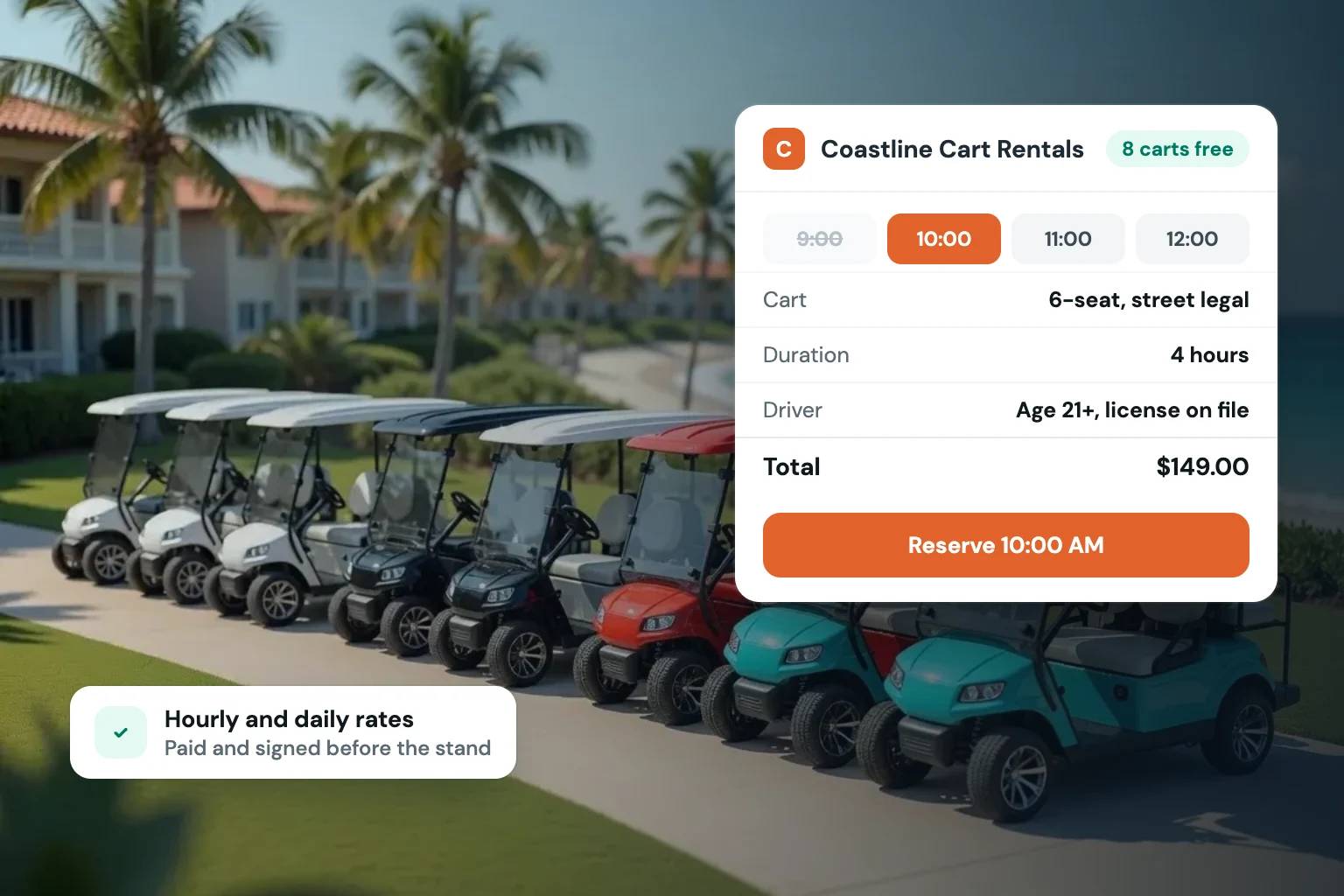
An RV rental rate rarely tells the whole financial story. The checkout process needs to present the booking total clearly while accounting for your pricing structure. Depending on your operation, that may include nightly rates, weekend or seasonal pricing, cleaning charges, delivery fees, mileage packages, generator fees, taxes, and optional add-ons.
Clarity protects both the customer experience and your margins. A traveler should not need to ask what they will pay at pickup. At the same time, your business should not have to absorb costs because a fee was missed during a manual quote.
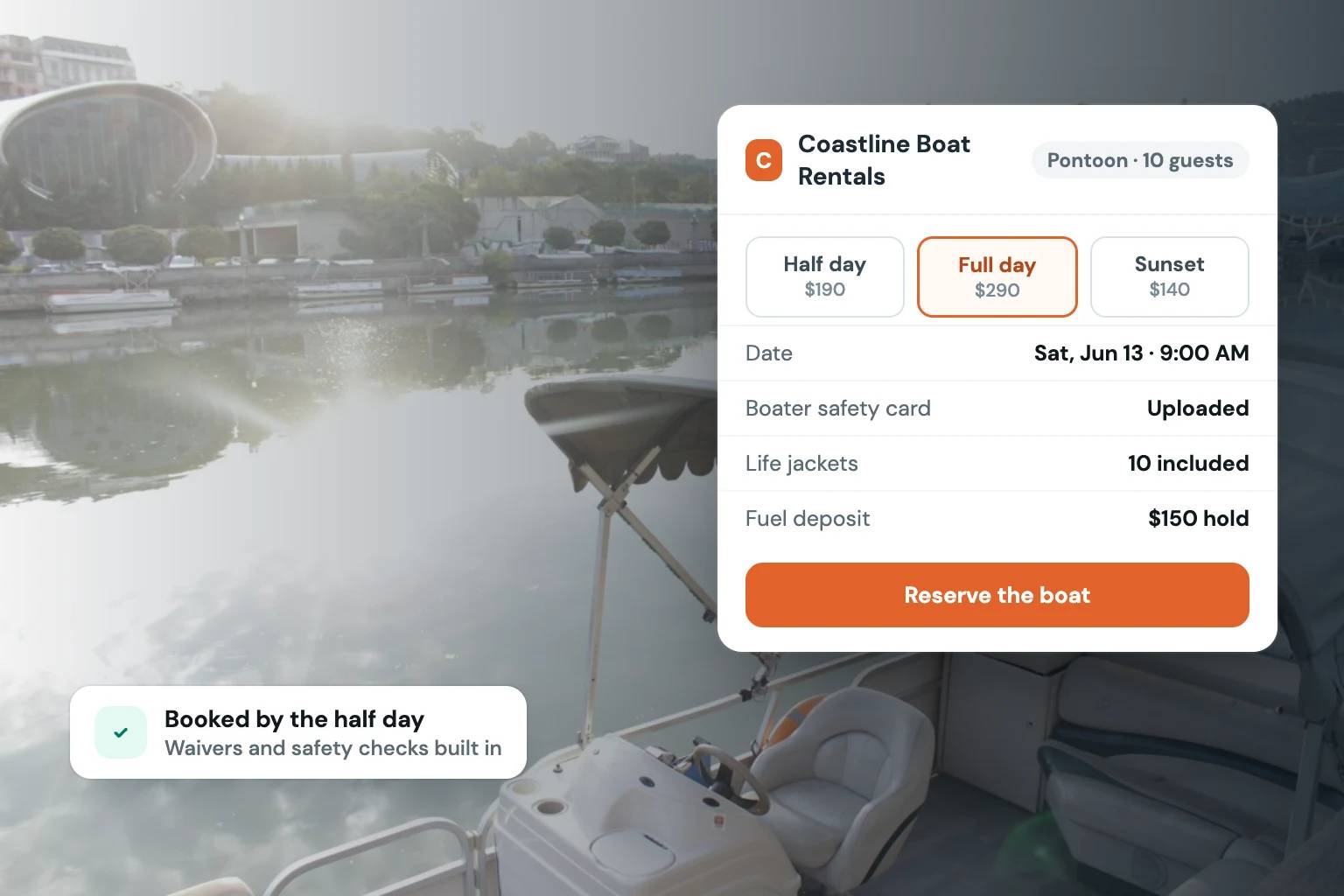
A useful checkout flow also supports payment collection and card-hold deposits. These are separate operational needs. Payment confirms the booking under the terms you set, while a deposit authorization can help establish the required financial protection before handoff. Your process should make the amount and timing clear to the renter, rather than leaving staff to explain it one reservation at a time.
The best payment setup depends on how you rent. Some operators collect the full amount at booking; others collect a partial payment and schedule the balance later. What matters is that the website can apply your policy consistently and give your team a reliable record of what has been paid, authorized, or remains due.
Build Trust Before Pickup
An RV rental is a high-value transaction. Customers need confidence that they are reserving from a real, organized business, and operators need confidence that the person arriving for pickup is the person who completed the reservation.
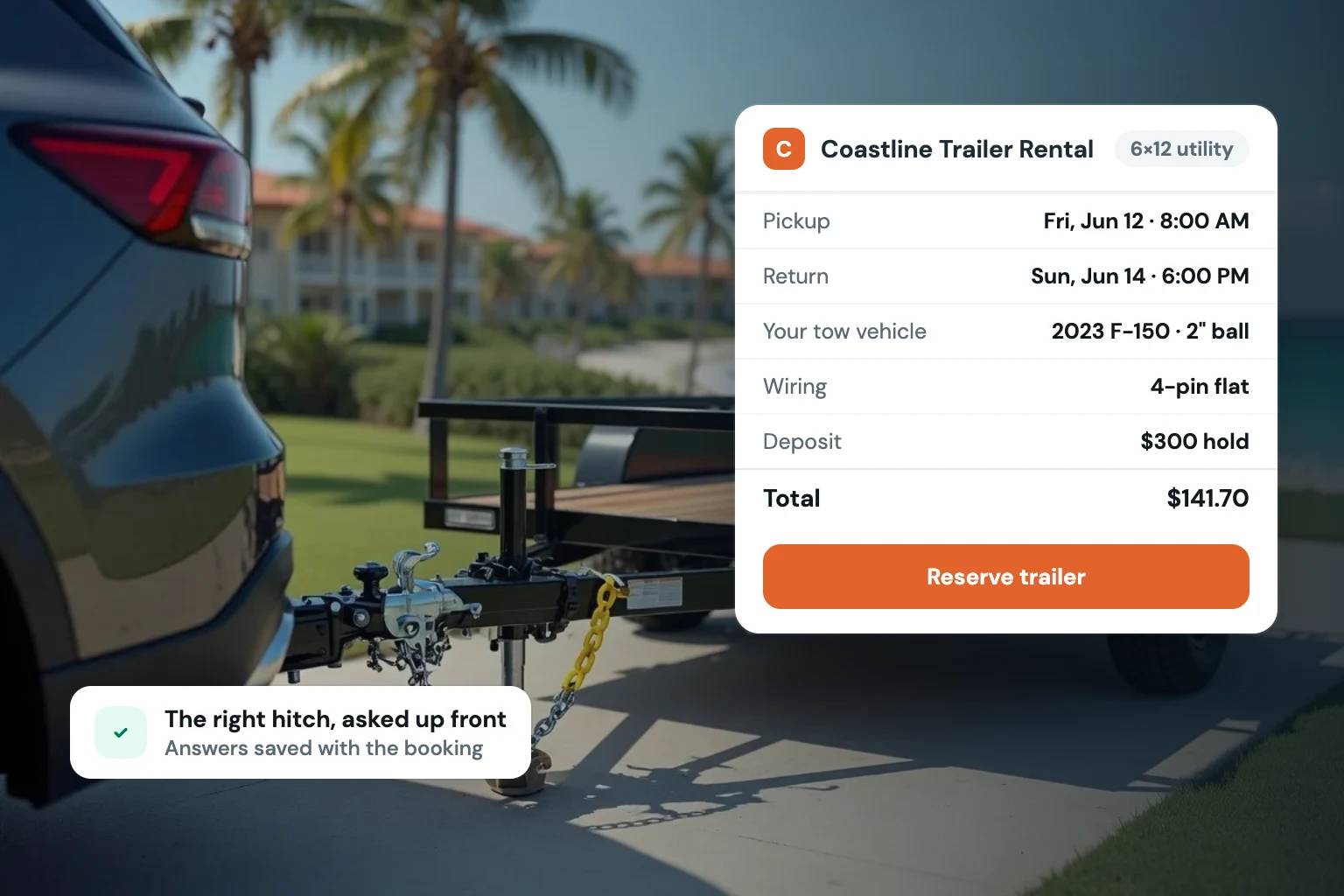
A polished storefront helps establish that credibility, but transaction controls do the practical work. ID verification, signed rental agreements, payment records, and reservation confirmations should be part of the booking workflow rather than disconnected steps managed across different tools.
Put verification and agreements in the customer flow
Collecting identification after a reservation is accepted can create a stressful gap. The dates are held, the RV may be prepared, and the customer may have made travel plans before a missing or invalid document becomes visible. Requiring verification at the appropriate point in the customer journey helps surface issues earlier.
The same is true for rental agreements. Customers should have a clear opportunity to review and e-sign the agreement connected to their reservation. Your team should be able to retrieve the completed record without searching through email threads or asking whether a form was returned.
This is not about making checkout feel heavy. It is about placing necessary requirements in a clear sequence. A customer who understands the steps is more likely to complete them promptly. A team that sees completion status at a glance can focus on preparing the RV and delivering a better handoff.
Design the Storefront Around How RV Customers Decide
People do not choose an RV the way they choose a hotel room. They compare layouts, sleeping arrangements, drivability, trip length, included amenities, and whether the vehicle fits their plans. Your website should make those decisions easier without burying critical details.
Start with unit pages that answer the questions customers actually ask before booking. Show high-quality photos, but pair them with accurate specifications and practical information. Explain who the RV is best for, what is included, what renters need to bring, and how pickup or delivery works. If there are meaningful restrictions, state them early and plainly.
Rates should be visible before the customer invests time in the process. Hiding pricing may create more inquiries, but it often produces lower-quality inquiries and more back-and-forth. Transparent pricing lets serious renters evaluate the trip on realistic terms.
Your own brand should be visible throughout. A direct storefront gives you room to explain your standards, your local knowledge, and the kind of rental experience you provide. That matters when customers are trusting your business with a vacation budget and a vehicle they may not have driven before.
Use Booking Rules to Protect the Schedule
A booking website should not force you to accept every possible date combination. Good rental operations use rules to protect utilization without creating impossible turnarounds.
Set minimum trip lengths for high-demand periods, adjust rates for weekends and seasonal peaks, and use booking buffers when your cleaning, inspection, or maintenance process requires them. If delivery is available, make sure the delivery radius, fee, and timing expectations are reflected before checkout. If an RV is unavailable for a one-night gap between longer reservations, the system should not treat that date as simple open inventory.
These controls are not barriers to sales. They are how your website sells reservations your team can fulfill well. The right setup may differ by unit. A popular towable trailer might benefit from one set of rules, while a premium motorhome requires more time between returns and departures.
Choose a System That Connects the Full Reservation
A strong RV rental website needs a polished customer experience, but the real test happens after the booking button is clicked. Can your team see the reservation, payment status, deposit requirement, verification progress, signed agreement, customer messages, and calendar impact in one place? Can you update a unit’s availability or pricing without creating a mismatch on the website?
Fleetwire is built for independent rental operators that want this workflow under their own brand. It combines storefronts, inventory, calendars, checkout, payments, deposit holds, ID verification, e-signed agreements, customer communication, and pricing controls in one rental-focused system. For operators managing existing listings across channels, calendar synchronization can also reduce the risk of conflicting dates.
The practical question is not whether your website looks modern. It is whether it turns demand into confirmed, documented reservations with less manual coordination. A simple-looking site can perform well if the workflow is complete. A visually impressive site can still create operational problems if staff must rebuild every booking afterward.
Start With the Friction You Handle Most Often
Look at the last several RV reservations your team processed. Where did customers pause? Where did your staff have to send another message, request another document, recalculate a total, or check a date twice? Those repeat steps are the best roadmap for improving your booking flow.
Build the website around the requirements that make your operation dependable, then make those requirements easy for the right customer to complete. When availability, payments, deposits, verification, and agreements work together, your storefront becomes more than a place to collect leads. It becomes a reliable front door for the business you are building.