A vehicle can be physically parked on your lot and still be unavailable to rent. Maybe it is awaiting a return inspection, booked through another channel, blocked for maintenance, or missing the rate and deposit settings needed to complete checkout. Rental inventory management is the operating discipline that closes those gaps between what you own, what customers can book, and what your team can confidently hand over.
For an independent rental business, inventory is not a static list of vehicles or equipment. It is a live record of each unit’s condition, location, availability, reservation status, pricing, and customer requirements. When those records are accurate, customers see real availability and your team spends less time untangling avoidable booking conflicts.
What rental inventory management actually controls
Good inventory management answers a simple question at every point in the day: can this specific unit be rented for this specific reservation, under your operating rules? That answer depends on more than whether a car, trailer, or watercraft appears open on a calendar.
Each rentable unit needs a clear identity. That usually includes a public name, category, photos, specifications, pickup location, current mileage or usage details where relevant, and internal notes for your team. A luxury SUV with a higher deposit requirement should not be handled like an economy sedan. A trailer with a particular hitch requirement should not be shown to customers who need a different setup.
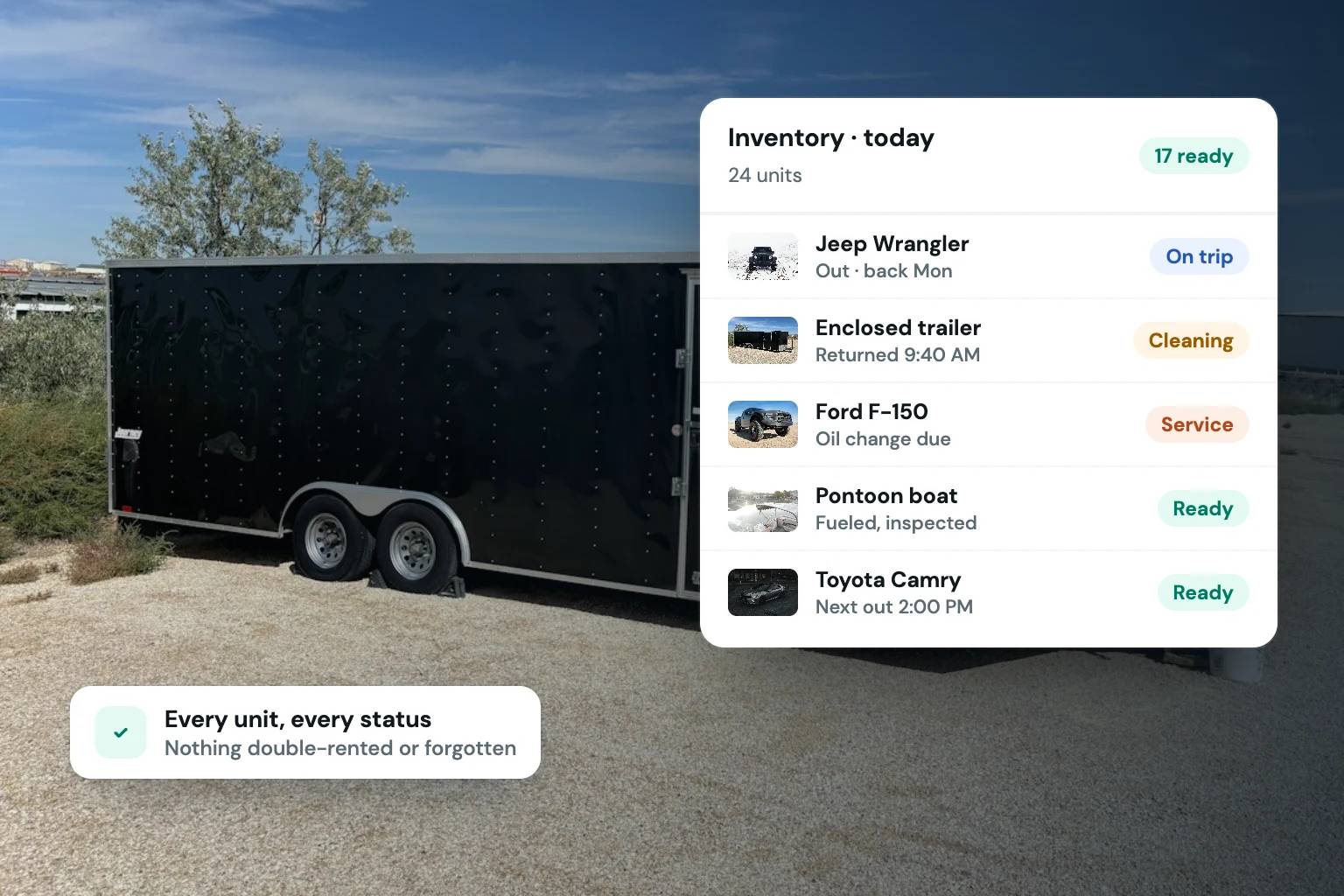
The inventory record also needs to reflect the unit’s current operational state. Reserved, checked out, returned, being cleaned, in maintenance, and unavailable are meaningfully different statuses. Treating all non-bookable time as a generic block hides information your team needs to make better decisions.
A clear status structure helps prevent two common problems: accepting a reservation for a unit that is not ready and leaving a ready unit idle because nobody updated its availability. The objective is not to create more administrative work. It is to make the next action obvious.
Build availability around the real rental lifecycle
Availability should begin before pickup and extend beyond return. The exact timing depends on your fleet type, customer handoff process, and turnaround capacity.
For example, an RV may need time for cleaning, inspection, restocking, and a walk-through before its next departure. A construction equipment operator may need an inspection and transport window. A car rental business may turn certain units quickly on weekdays but require longer buffers after weekends or long-distance rentals. One rule rarely works for every category.
Start by mapping the actual lifecycle of a reservation:
- The customer selects dates and submits required information.
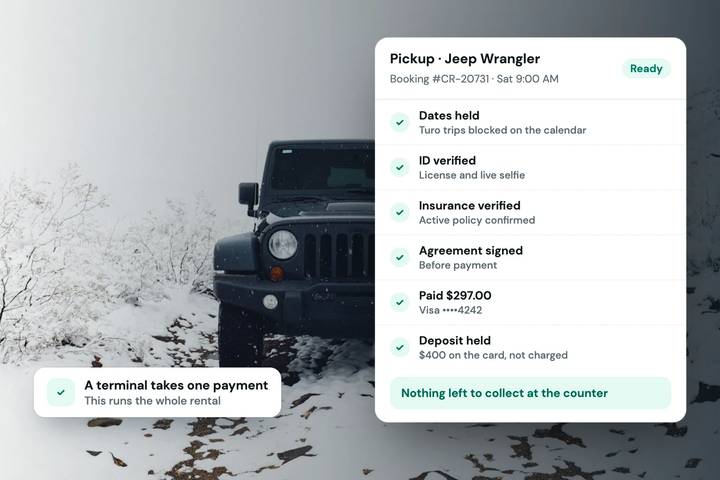
- Payment authorization or collection, deposit requirements, and identity checks are completed according to your process.
- The rental agreement is signed and the booking is confirmed.
- The unit is prepared, handed off, returned, inspected, and returned to available status.
The calendar should reflect this lifecycle, including any preparation or recovery time you need to protect the customer experience. A shorter buffer can increase booking capacity, but only if your team can reliably clean, inspect, and stage units within that window. Otherwise, the extra availability is artificial and will create last-minute pressure.
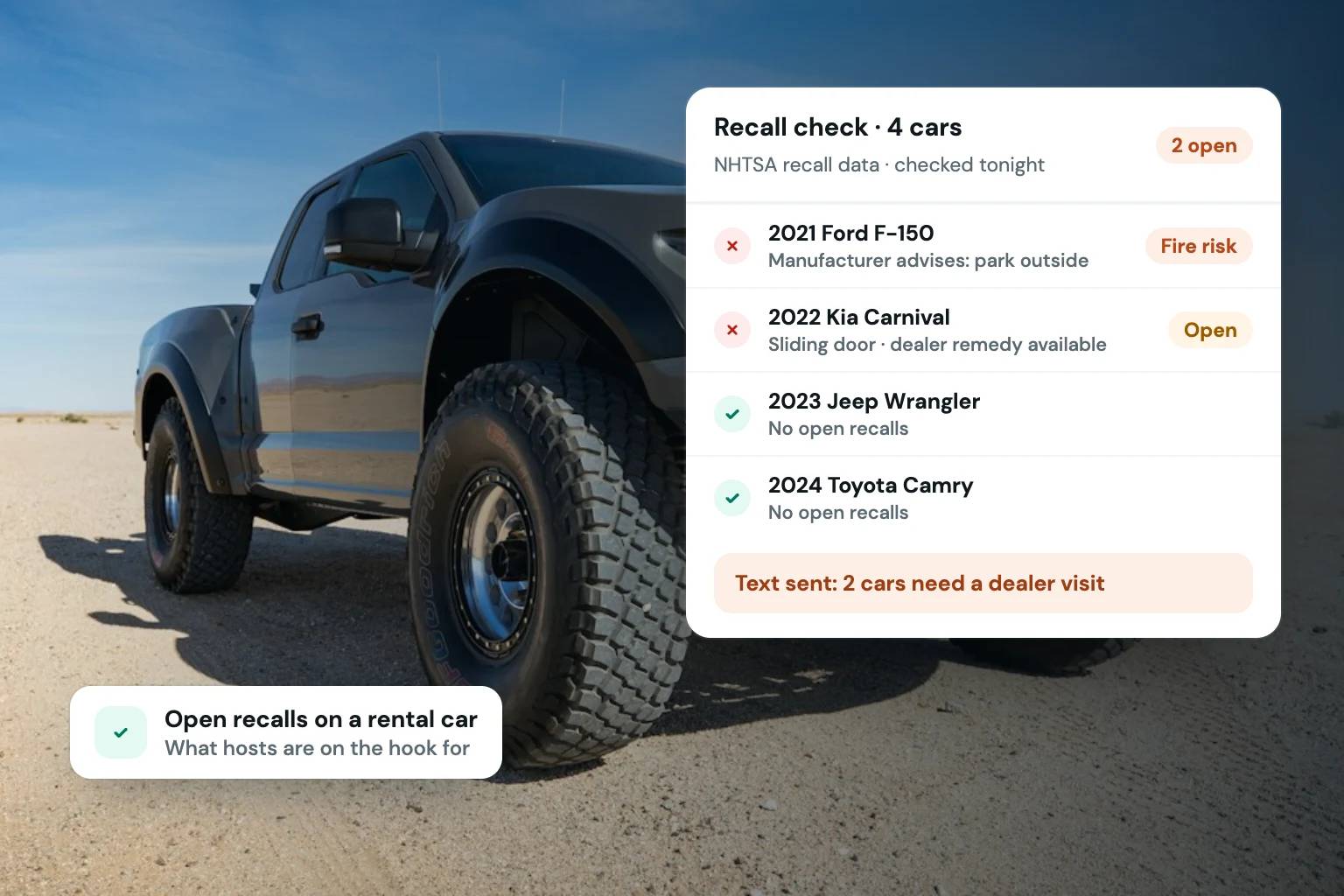
It also helps to distinguish between customer-facing availability and internal blocks. A customer does not need to see why a unit is unavailable. Your team does. An internal maintenance block should carry enough context that anyone handling reservations can see whether the unit is awaiting a minor repair, scheduled for service, or out of rotation indefinitely.
Use category availability carefully
Category-level shopping can improve conversion because customers can start with what they need, such as a seven-passenger SUV, compact excavator, or pontoon boat. But category availability only works when the units inside that category are genuinely interchangeable for the reservation.
If one unit has different mileage limits, equipment, location, pricing, or deposit rules, it may need its own listing or a clearly defined assignment rule. Promising a category and later substituting a materially different unit can weaken trust, even if the calendar technically showed availability.
Keep every booking channel aligned
A double booking is rarely caused by a single mistake. More often, it comes from a calendar that was updated late, a reservation recorded in one place but not another, or a unit that was taken out of service without blocking its dates.
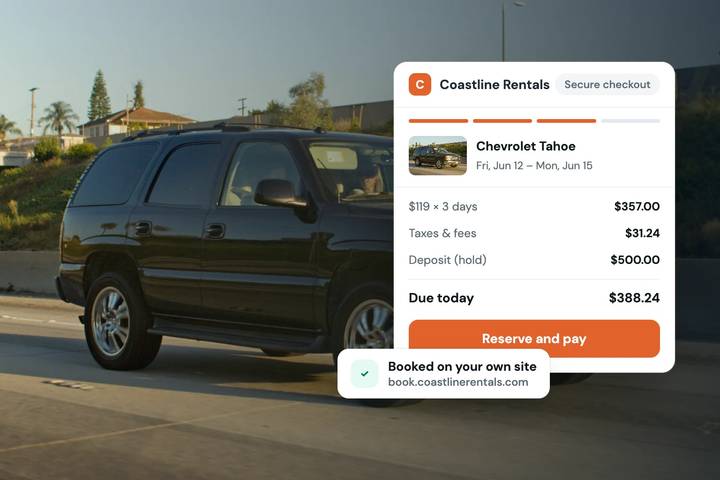
If you accept reservations through your own storefront while maintaining marketplace listings, calendar synchronization is an operational requirement. Availability changes need to move quickly enough that one channel does not continue selling dates already committed elsewhere. Sync can reduce conflicts, but it does not replace good process. Your team still needs a defined way to handle manual blocks, cancellations, extensions, and unexpected maintenance.
Set one source of truth for the operational status of each unit. Every confirmed reservation, blocked date, and return-to-service update should be visible from the same place your team uses to manage bookings. This is especially valuable when the owner is no longer the only person answering inquiries and changing calendars.
For operators using Turo alongside direct reservations, calendar sync can help protect availability across channels. The practical goal is not to make every channel identical. It is to avoid selling the same unit twice while retaining control over the inventory, pricing, and customer experience on your own storefront.
Connect inventory rules to checkout
A polished listing is only useful if the booking flow can enforce the rules attached to that unit. Inventory management and checkout should work together.
When a customer chooses a vehicle or piece of equipment, the reservation should apply the correct rental rate, taxes, deposit amount, agreement, and eligibility steps for that listing. If those items are handled separately after the customer books, your team has to manually catch exceptions. That introduces delays and creates room for inconsistent treatment.
Consider the operational difference between a customer requesting a weekend rental by text and a customer completing a direct checkout flow. In the first case, your team may need to confirm dates, calculate pricing, request identification, send payment instructions, arrange a deposit, and chase a signature. In the second, those steps can be organized around the reservation itself before it reaches your handoff process.
That does not mean every booking should be fully automated. Higher-value vehicles, specialized equipment, and unusual rental requests may warrant manual review. The point is to make manual review an intentional exception rather than the default path for every reservation.
Fleetwire brings listings, availability calendars, direct checkout, payments, card-hold deposits, identity verification, and e-signed agreements into one rental workflow, so each unit can carry the rules needed to turn an inquiry into a documented reservation.
Make maintenance and readiness visible before it costs revenue
A unit that needs service is not just unavailable inventory. It affects future reservations, replacement decisions, customer communication, and revenue forecasts. Marking it unavailable is the first step, not the full process.
Give maintenance blocks a clear owner and expected return date when possible. If a repair is delayed, update the projected date before the unit appears bookable again. When a reserved unit becomes unavailable unexpectedly, your team needs enough notice to contact the customer, consider alternatives, and protect the relationship.
Readiness checks are equally useful after a return. Before releasing a unit back into the calendar, confirm the work that matters for your operation: condition, fuel or charge level, cleanliness, accessories, damage review, and required documents. The checklist will differ for a golf cart, skid steer, camper van, and exotic car. What matters is that availability follows completion, not assumption.
Review inventory performance, not just utilization
High utilization can look positive while hiding a fragile operation. If every unit is booked with no time for service, cleaning, or customer issues, one delayed return can disrupt the rest of the week. Conversely, low utilization may point to weak demand, unclear listings, pricing that does not fit the market, or inventory that customers cannot easily find and book.
Review each category and unit for booking frequency, days unavailable for maintenance, cancellations, turnaround time, and direct booking performance. Look for patterns before making broad changes. A trailer that stays idle may need better photos and clearer specifications. A vehicle that books constantly but produces frequent turnaround problems may need a different buffer rule or a second comparable unit.
The best rental inventory management process makes the current state of every unit easy to trust. When your calendar, listing details, checkout rules, and handoff process agree, your fleet becomes easier to sell and easier to operate. Start with the next unit that creates the most exceptions, define its real lifecycle, and let that practical standard shape the rest of your fleet.