A rental software API matters when your operation has outgrown copying reservation details between tools, manually updating availability, or asking customers to repeat information you already collected. It is not a feature to buy for its own sake. For an independent rental business, API access should reduce duplicate work, protect the booking flow you own, and help the rest of your business stay aligned with confirmed reservations.
An API, short for application programming interface, is a structured way for software systems to exchange information. In rental operations, that can mean sending reservation data to another business system, pulling fleet availability into a custom experience, or receiving an update when a payment, agreement, or booking status changes.
The key is to start with the operational problem. A useful integration follows a real workflow. A flashy connection that creates more exceptions for your team to manage is not progress.
Where a Rental Software API Creates Real Value
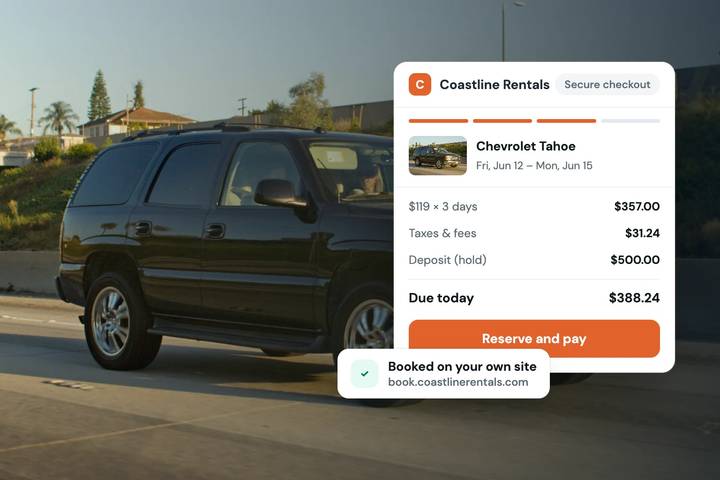
Your booking website should remain the source of truth for direct reservations. It is where the customer selects dates, chooses a vehicle or unit, completes verification requirements, accepts the rental agreement, pays, and authorizes a deposit. A rental software API should extend that process without creating competing versions of the same reservation.
For example, an established operator may use a separate accounting process, customer relationship tool, maintenance platform, or internal reporting dashboard. API access can allow confirmed booking details to move into those systems automatically. That gives the back office what it needs without requiring a staff member to re-enter names, dates, charges, vehicle assignments, and reservation status after every booking.
Availability is another practical use case. If you operate several booking channels, inventory accuracy becomes a revenue and customer-service issue quickly. Calendar synchronization can handle many channel needs. Fleetwire, for example, supports calendar sync with Turo. An API becomes more relevant when your business needs a deeper or more customized connection than calendar blocking alone can provide.
That distinction matters. Not every operator needs a custom integration to prevent double bookings. For a smaller fleet, built-in calendars, checkout controls, customer communications, deposits, agreements, and verification may handle the full direct-booking workflow without adding technical overhead.
The Information Worth Connecting
The best API implementations focus on records that affect an active rental, not every possible data point. Reservation information is usually the starting point: customer name and contact details, pickup and return times, assigned inventory, pricing, taxes, payment status, deposit status, and agreement completion.
Inventory data can also be valuable when you maintain a public fleet catalog in more than one place. A connection may share vehicle names, categories, features, photos, location details, or availability rules. But inventory syncing deserves careful planning. A luxury car with a specific daily rate and delivery rule is not interchangeable with a generic vehicle category. An equipment rental operator may need attachments, operating-hour requirements, or damage documentation that another system does not understand.
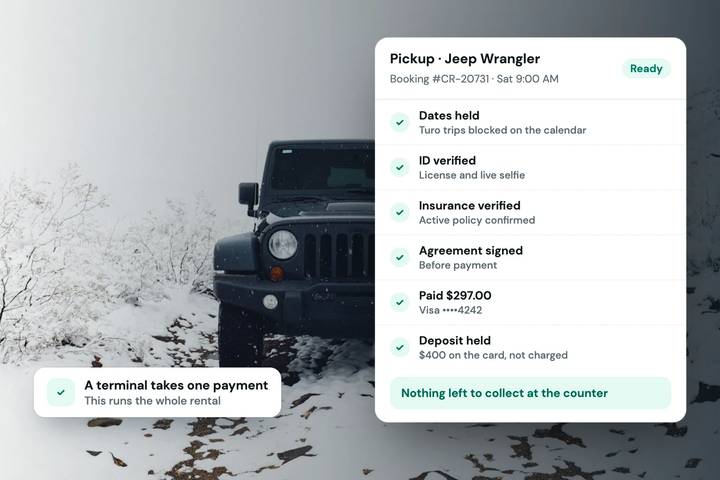
Customer status can be just as important as customer information. A reservation that is merely requested should not be treated the same as a reservation that has passed identity checks, collected payment, authorized a deposit, and received a signed agreement. When systems exchange incomplete statuses, staff can make decisions based on a booking that is not actually ready for handoff.
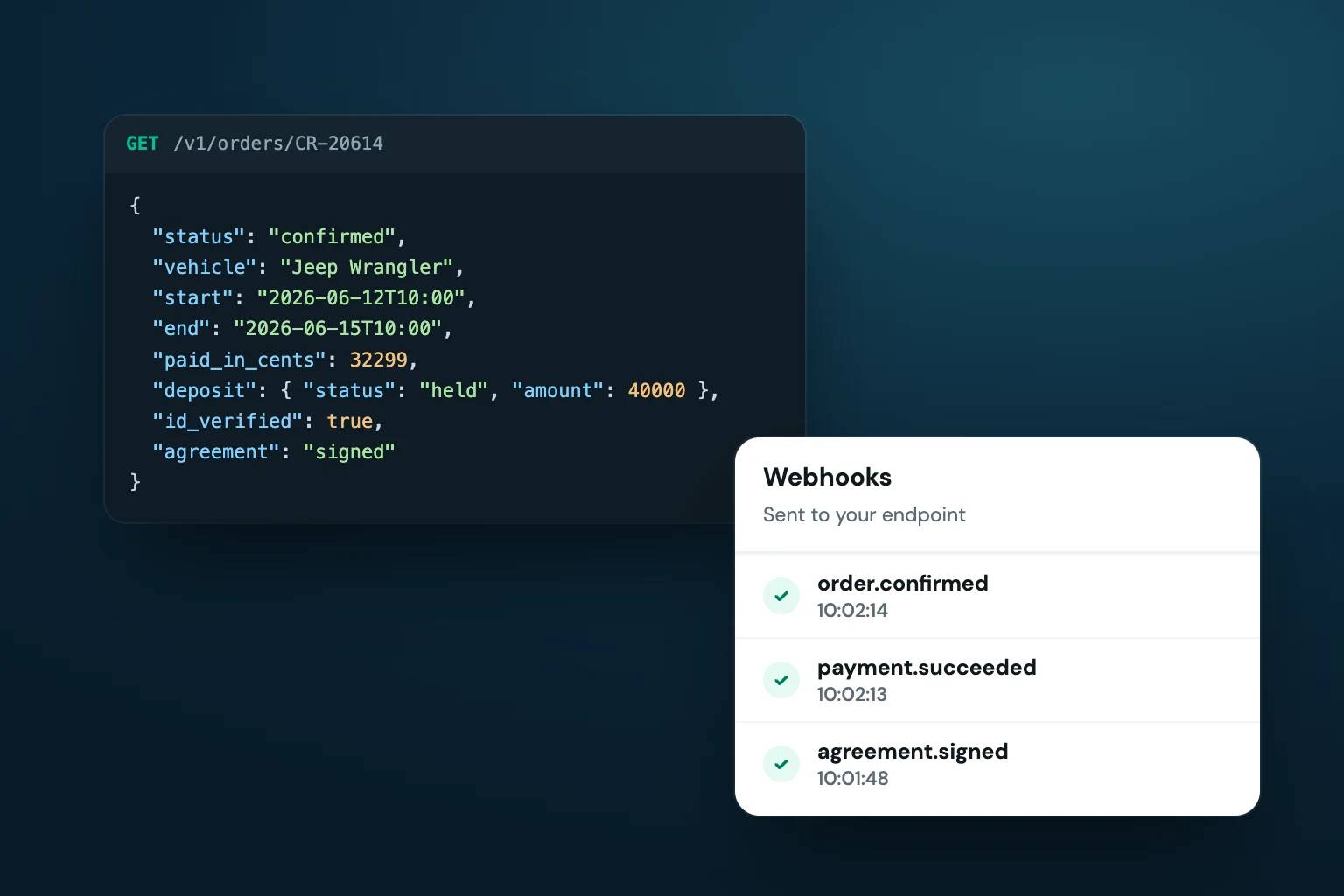
Ask whether the API can distinguish the milestones your team uses. At a minimum, your connected systems should be able to recognize when a reservation is created, changed, canceled, confirmed, paid, and completed. Depending on your workflow, deposit authorization, ID verification, and agreement signature status may need to be included as well.
APIs and Webhooks Are Not the Same Thing
Rental software providers often use both APIs and webhooks. An API lets one system request or send information when needed. A webhook sends an automatic notification when a specific event happens, such as a new confirmed reservation or a cancellation.
For an operator, the practical difference is timing. If your team needs an internal system updated as soon as a direct booking is confirmed, a webhook can be more efficient than repeatedly checking for new reservations. If you need to look up current availability for a specific vehicle before presenting it elsewhere, an API request may be the better fit.
You do not need to become a developer to make this decision. You do need to describe what should happen, when it should happen, and which system is responsible if the information conflicts.
Start With the Workflow, Not the Integration
Before requesting API access or hiring someone to build a connection, map one reservation from discovery through return. Include the details that usually cause manual follow-up: pricing approvals, delivery coordination, payment collection, deposit holds, identity checks, contract signatures, vehicle assignment, pickup instructions, extensions, damage notes, and final charges.
Then identify the exact handoffs. Perhaps a confirmed booking must create a record in an accounting workflow. Perhaps a high-value rental needs an internal review alert after the customer completes verification. Perhaps a custom reporting tool needs daily utilization and revenue data. Those are defined use cases. “We might need an API later” is not one.
A good build begins with one narrow job and proves that it works. Trying to synchronize every field, every status, and every historical reservation at once increases cost and makes troubleshooting harder. Start with new confirmed reservations, for instance, then add cancellations or modifications once the team trusts the first connection.
This approach also protects your customer experience. Your storefront should not become slower or less reliable because a secondary system is unavailable. In most cases, the checkout process should complete in the rental platform first. The integration can then pass the relevant data to another system. That order helps prevent an internal outage from interrupting a customer who is ready to book.
Questions to Ask Before You Build
API access has real value, but it also adds responsibility. Before committing time or budget, get clear answers to a few operational questions:
- Which reservation events can trigger an update, and how quickly does it happen?
- Can the integration read and write data, or is it limited to reporting and retrieval?
- How are cancellations, date changes, payment failures, and duplicate records handled?
- Who owns maintenance when your rental process, pricing rules, or connected tools change?
Also ask about documentation, authentication, rate limits, test environments, and support boundaries. These details may sound technical, but they affect whether a connection is dependable after launch. A developer can build a first version quickly and still leave your team with an integration that breaks whenever a field changes or an edge case appears.
For fleets with one to 150 units, the right answer often depends on complexity rather than fleet size. A 10-unit exotic fleet with detailed internal review rules may benefit from API access sooner than a 75-unit trailer operation using a straightforward booking and handoff process. Conversely, a growing fleet may be better served by strengthening its direct storefront and core reservation controls before investing in custom connections.
Keep the Rental System in Control
A rental software API should support your operating system, not replace it with a patchwork of custom logic. Keep reservation availability, checkout requirements, deposits, agreements, customer communications, and inventory rules centralized wherever possible. That is how your team can answer a simple question – “Is this rental ready?” – without checking three different systems.
The strongest integrations are quiet. They eliminate re-entry, surface the right information at the right time, and leave customers with a professional direct-booking experience under your brand. Build toward that standard one workflow at a time, and the technology will serve the business instead of becoming another job to manage.